
Usage
Read the workspace Usage page, understand what each meter counts, what happens at 80% and 100% and how to raise the limit.
Every plan includes a monthly allowance of what the platform consumes for the workspace: AI credits, emails, live minutes, recordings and storage. Settings > Usage (/settings/usage) shows how much of each you used this period. The Owner, the Admins and the Billing role see it; in your personal workspace you do.
This guide is split into pages:
- What each meter counts: what makes each row go up, with an example, and which workspace it counts for.
- Thresholds and blocks: what you see at 80% and 100%, what happens to a blocked action and how to unblock it.
- Packs and "Avoid service interruptions": extra AI credits and storage, usage beyond the plan with a cap in €.
- Renewal, plan change, trial and workspaces: when the count restarts and why personal and academy never add up.
- FAQ.
Reading the Usage page
At the top are the workspace plan (for example Solo plan) and the period: "From … to …, renews on …". On paid plans it is the subscription month (on annual, the monthly slice of the year); without a subscription it is the calendar month. Next to it, on Organization and Enterprise, the spending cap status (Spending cap off, or how much of the cap you spent).
Then one row per meter:
- used / limit in its unit (credits, emails, minutes, hours, GB);
- a bar: neutral below 80%, amber from 80%, red at 100%;
- Includes …: where the limit comes from, i.e. what the plan gives, the pool of extra teachers (each teaching seat beyond the included ones adds AI credits, recording hours and storage) and the packs you bought;
- on the right Increase, which opens the right pack (AI credits and storage), or See plans.
At the bottom, Live up to N participants per room (a per-room cap, not usage) and the Avoid service interruptions section.
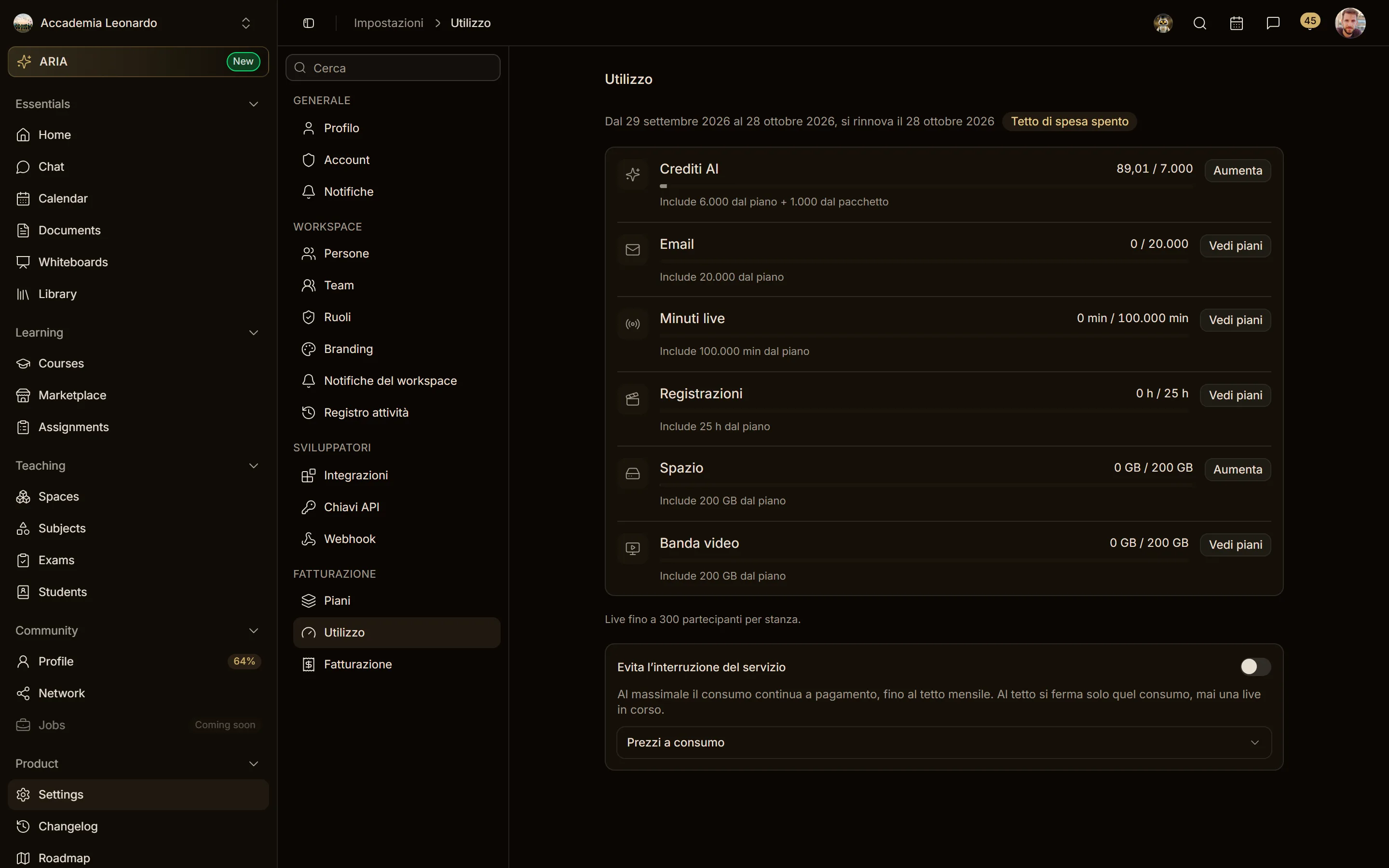
After a question to ARIA asked inside the academy, the AI credits row goes up within seconds (test run of 30/09 on app.aladia.io):
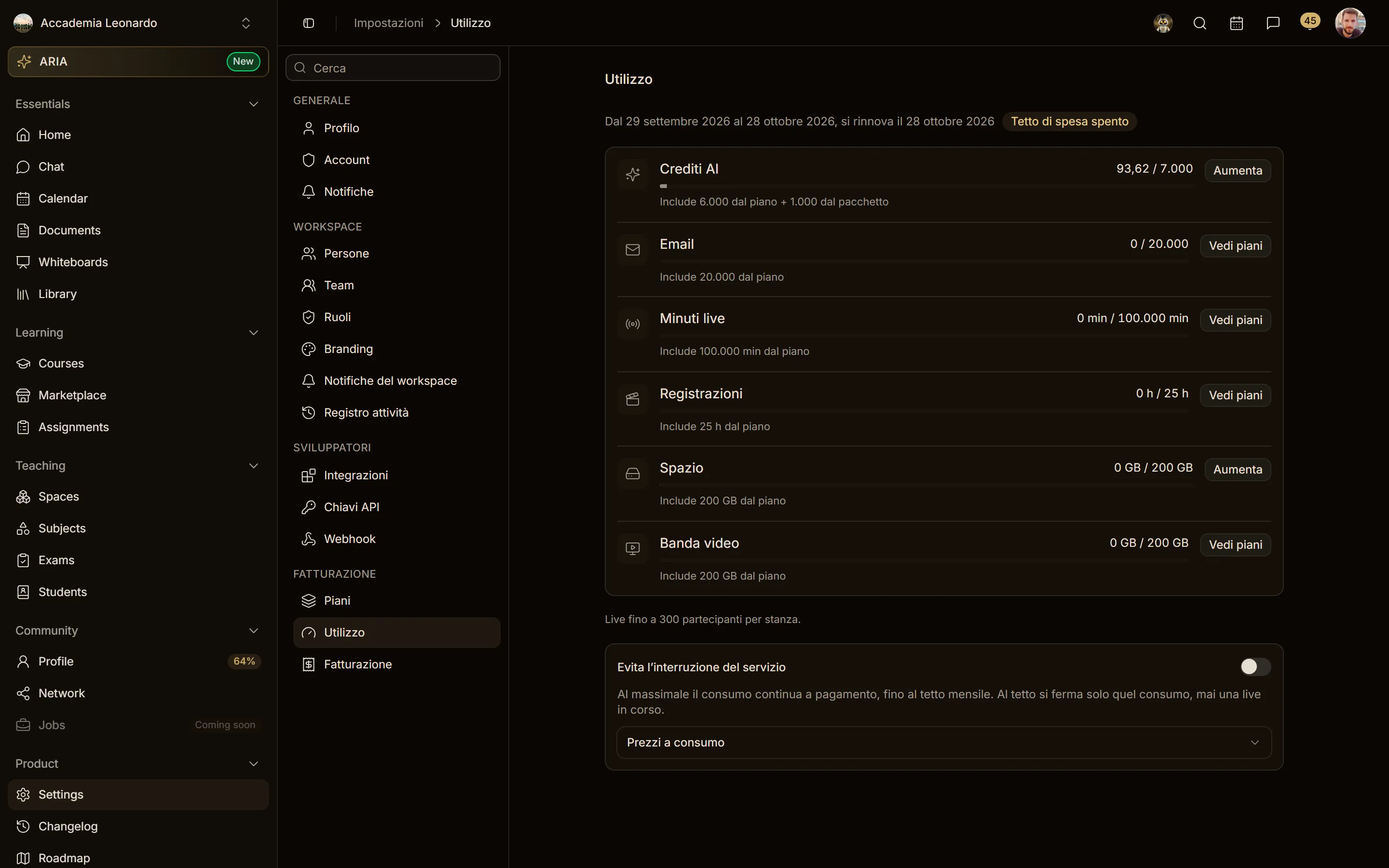
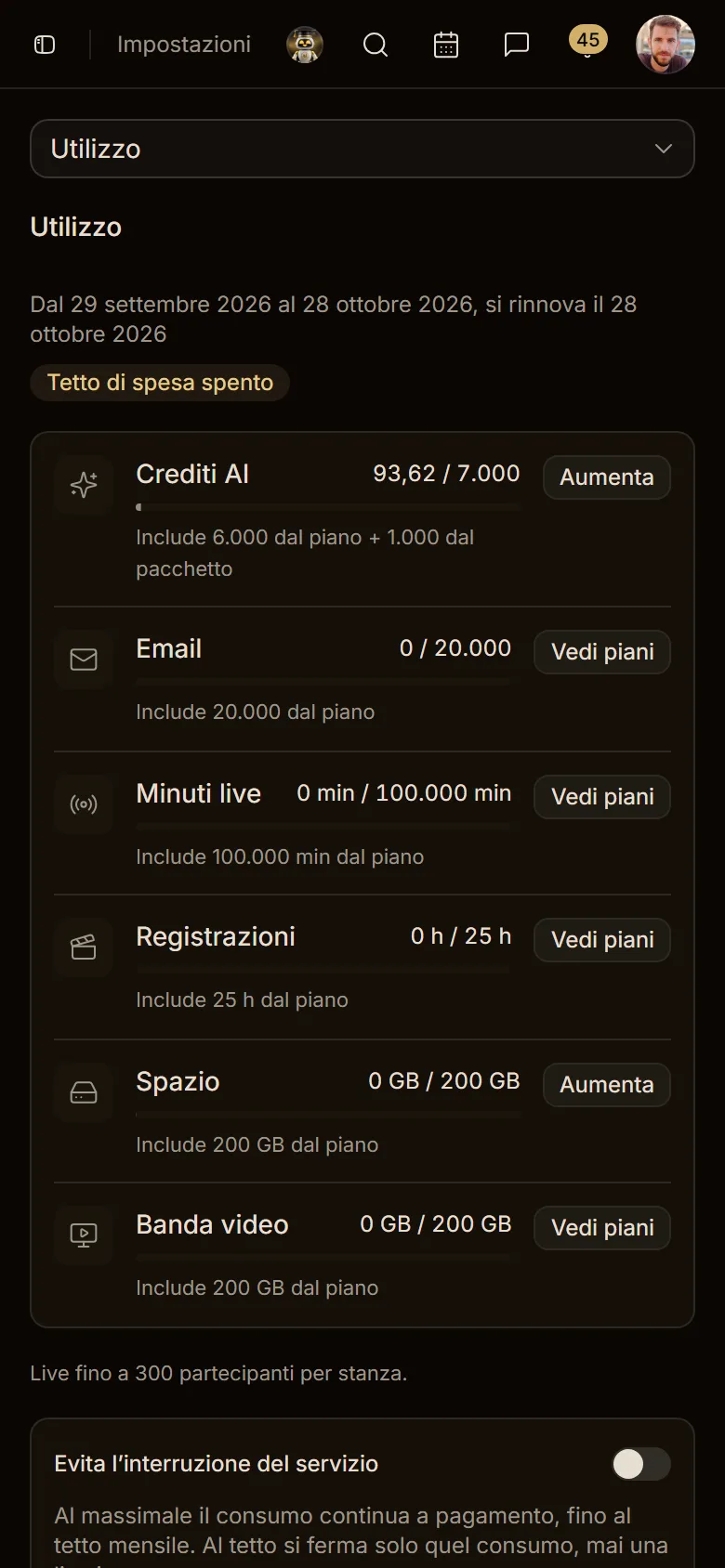
On a phone the page is the same, one row under the other:
What each plan includes
| Every month | Solo | Team | Organization | Enterprise |
|---|---|---|---|---|
| AI credits | 1,000 | 2,000 (+500 per extra teacher) | 6,000 (+500 per extra teacher) | custom |
| Emails | 1,000 | 5,000 | 20,000 | custom |
| Live participant minutes | 30,000 | 100,000 | 300,000 | custom |
| Recordings | 30 h | 100 h (+10 h per extra teacher) | 300 h (+10 h per extra teacher) | custom |
| Storage | 20 GB | 100 GB (+20 GB per extra teacher) | 500 GB (+30 GB per extra teacher) | custom |
| Video traffic | 50 GB | 250 GB (+20 GB per extra teacher) | 1,000 GB (+30 GB per extra teacher) | custom |
| Participants per live room | 25 | 100 | 300 | custom |
Participant minutes are counted per person: each person connected to the room counts their own minutes, so 1 hour with 25 people makes 1,500 minutes. On Enterprise the caps are agreed in the contract.
Video traffic (video viewing) is in the plan list but is not measured yet, so the Usage page has no row for it. It will appear when the platform actually counts it.
Usage is counted in every workspace
Usage is always counted, on Solo too and also where paid plans are not active yet (they roll out gradually). There the page still shows the usage of the period against the Solo limits, with one more line: Limits are not applied to this workspace yet. It means nothing stops at the limit, and packs and "Avoid service interruptions" are not there yet.
When the page is empty
- You are not the Owner, an Admin or Billing: the page says so in one line.
- The usage cannot be read at that moment: the page says so in one line; try again shortly.