
Integrations
The services Aladia connects to — Stripe, Google Tag Manager, Google Analytics, Google Ads, Meta and TikTok, Google Calendar, ChatGPT, Claude and MCP, API keys and webhooks — and the guide for each.
Tested in production on 29/09/2026
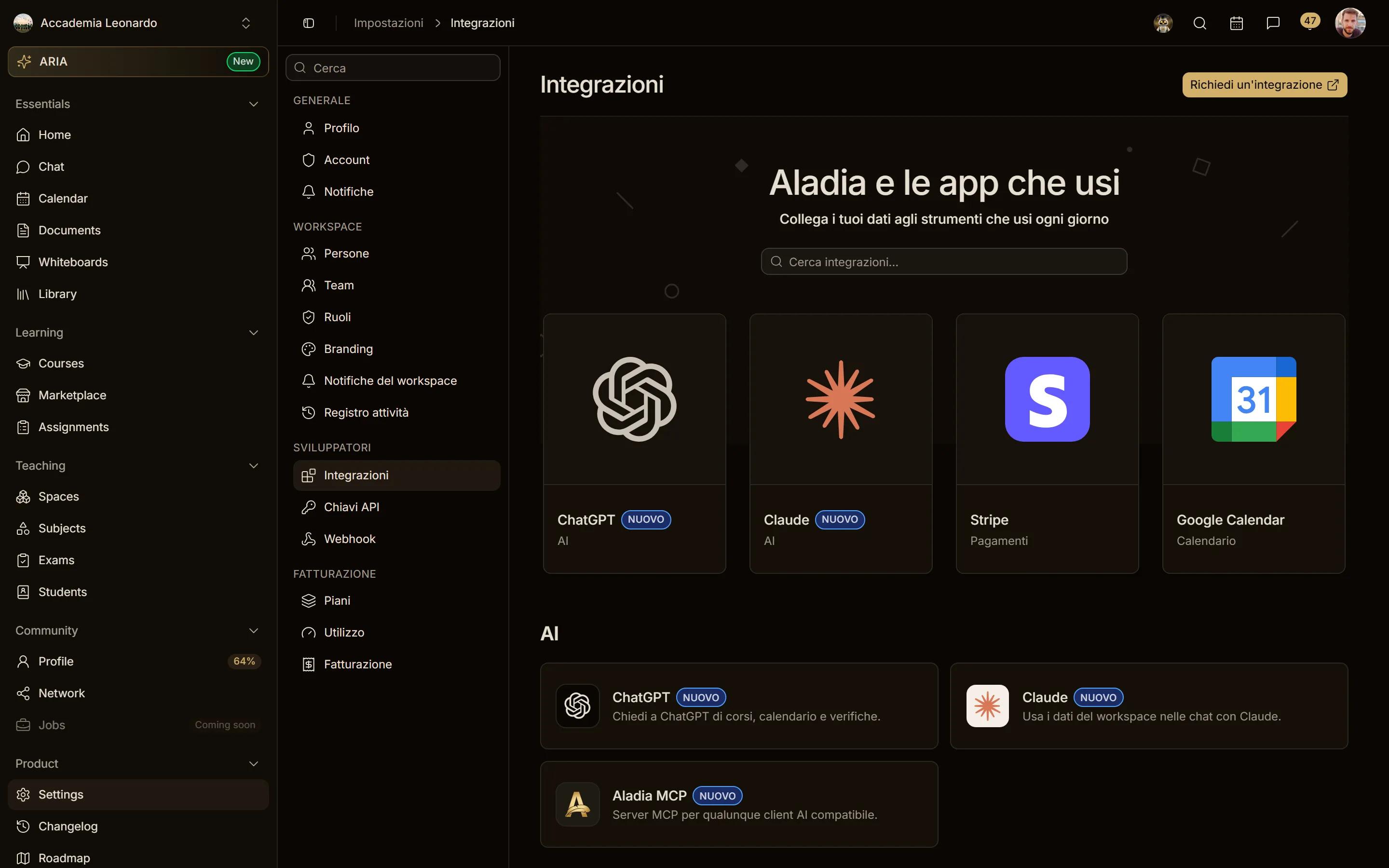
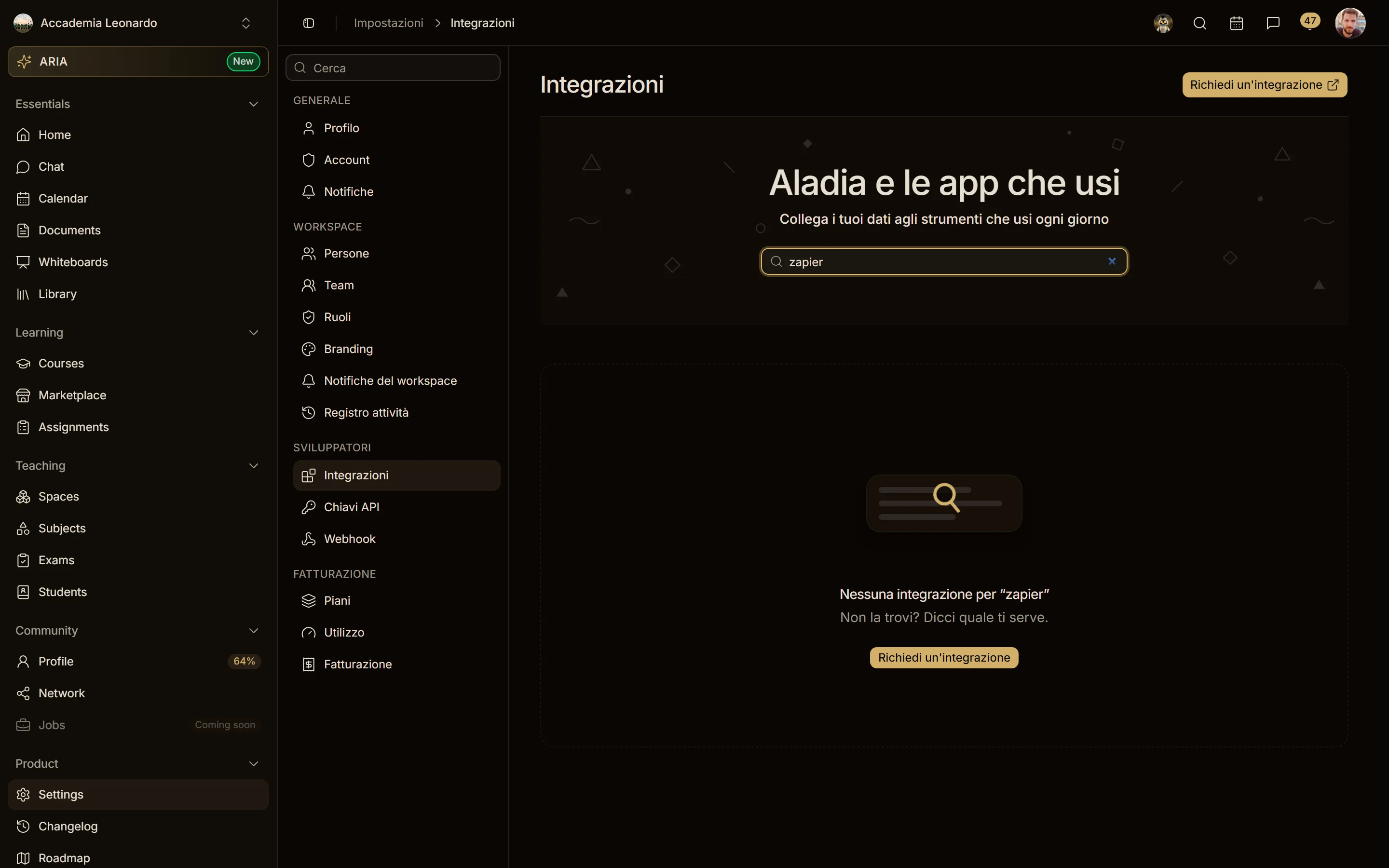
Settings → Developers → Integrations lists every service Aladia really connects to. At the top, Aladia and the apps you use has a search bar and the four highlighted integrations (ChatGPT, Claude, Stripe, Google Calendar); below, the integrations are grouped by category:
| Category | Integrations | Guide |
|---|---|---|
| AI | ChatGPT, Claude, Aladia MCP | ChatGPT, Claude and MCP |
| Payments | Stripe — get paid for course sales | Stripe |
| Marketing | Google Tag Manager, Google Analytics 4, Google Ads, Meta, TikTok — one card and one page per tool (Meta = dataset), tags and pixels on your site, with the cookie banner | Google Tag Manager, Google Analytics 4, Google Ads, Meta, TikTok; shared rules: Tracking and cookies |
| Calendar | Google Calendar | Google Calendar |
| Developers | API (API keys) and Webhook | API keys and webhooks |
A green Connected badge marks the integrations in use (for API keys and webhooks: Active); Action required means something is still missing (for Stripe, details Stripe is waiting for). The search filters by name and category. Missing an app? Request an integration (top right) sends your request to our team.
Every integration page in Aladia has a Guide link at the top that opens its page in this section.
The integrations at a glance
- Stripe: the account the workspace uses to get paid for course sales. How to connect it (even if you sign in to Stripe with Google or a passkey), payment methods, team, refunds, disconnecting.
- Marketing: each tool has its own guide, with where to find the ID, the events we send with its names and how to check them: Google Tag Manager, Google Analytics 4, Google Ads, Meta, TikTok. The shared rules (pages where they run, cookie banner, Consent Mode v2, what we don't send) are in Tracking and cookies.
- Google Calendar: sync lessons and events with your Google calendar, one connection per workspace.
- ChatGPT, Claude and MCP: AI assistants work in one workspace with the permissions of your role, through the Aladia MCP server.
- API opens Settings → API keys: keys for the Aladia API (header
apikey) with the permissions of the workspace. Webhook opens Settings → Webhooks: real-time events sent to your systems. See API keys and webhooks.