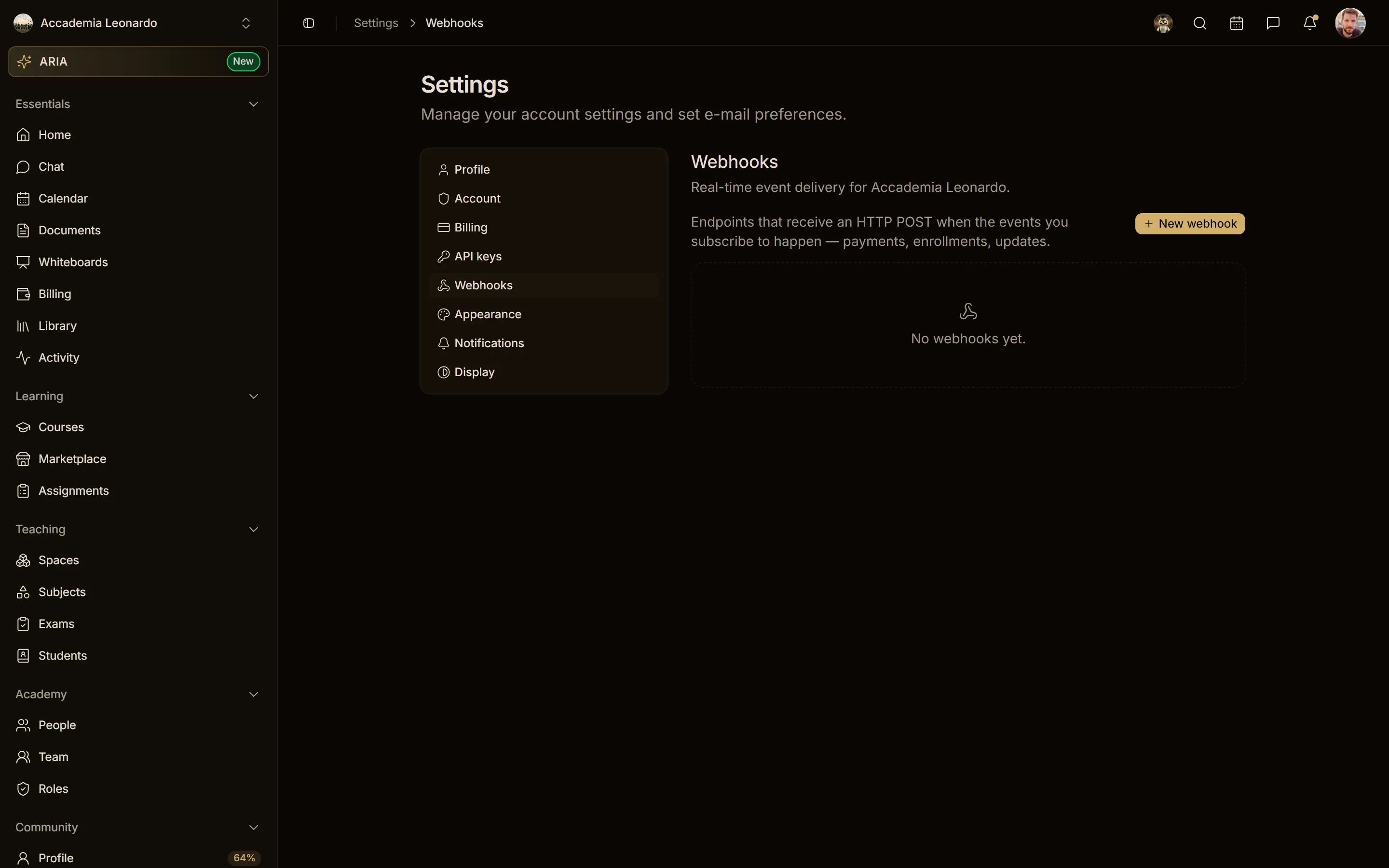
API keys and webhooks by context
Who owns API keys and webhooks, who manages them in an academy, and why a key's secret is shown only once.
Tested on 28/09/2026 · version 5d7d821a1e
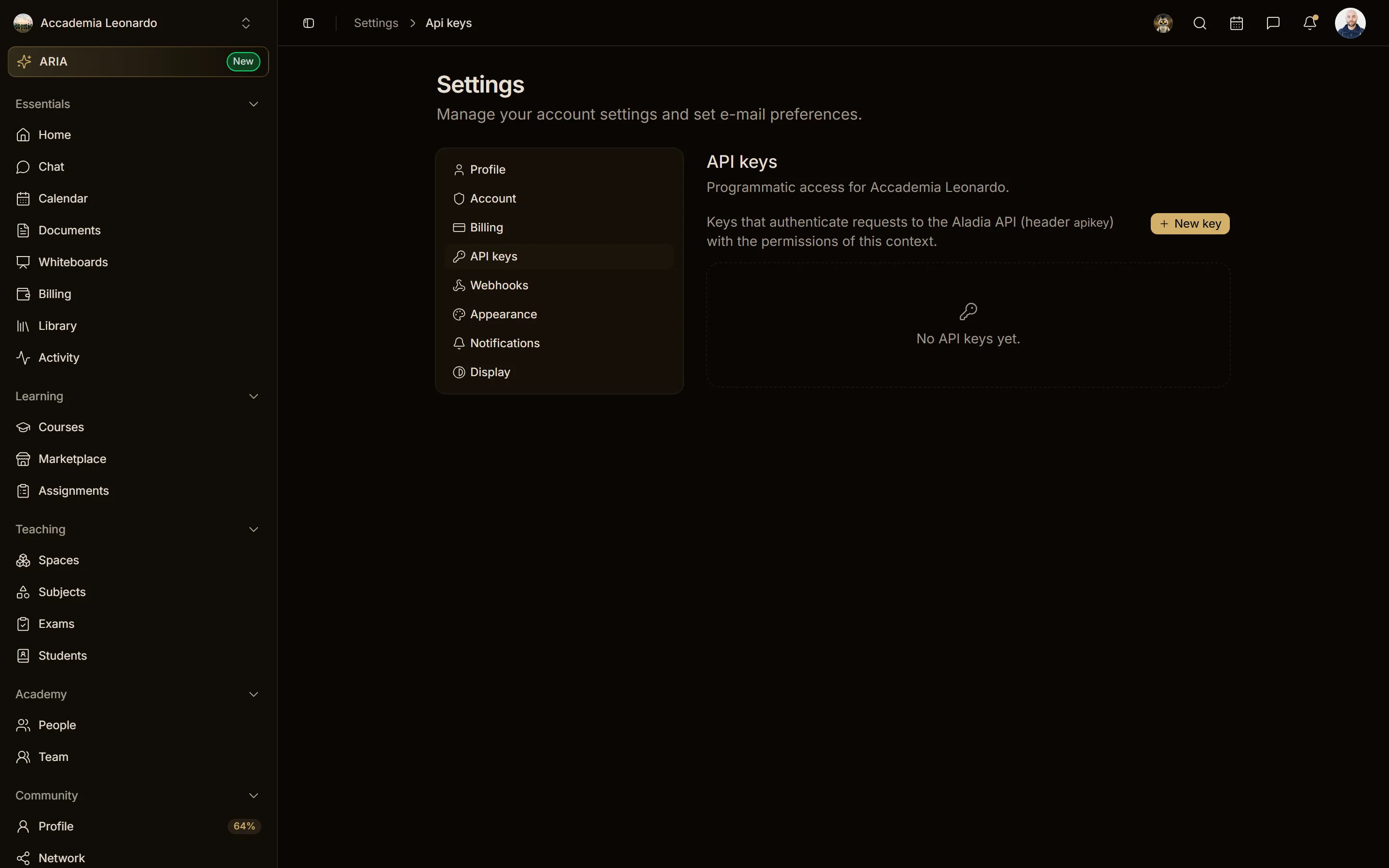
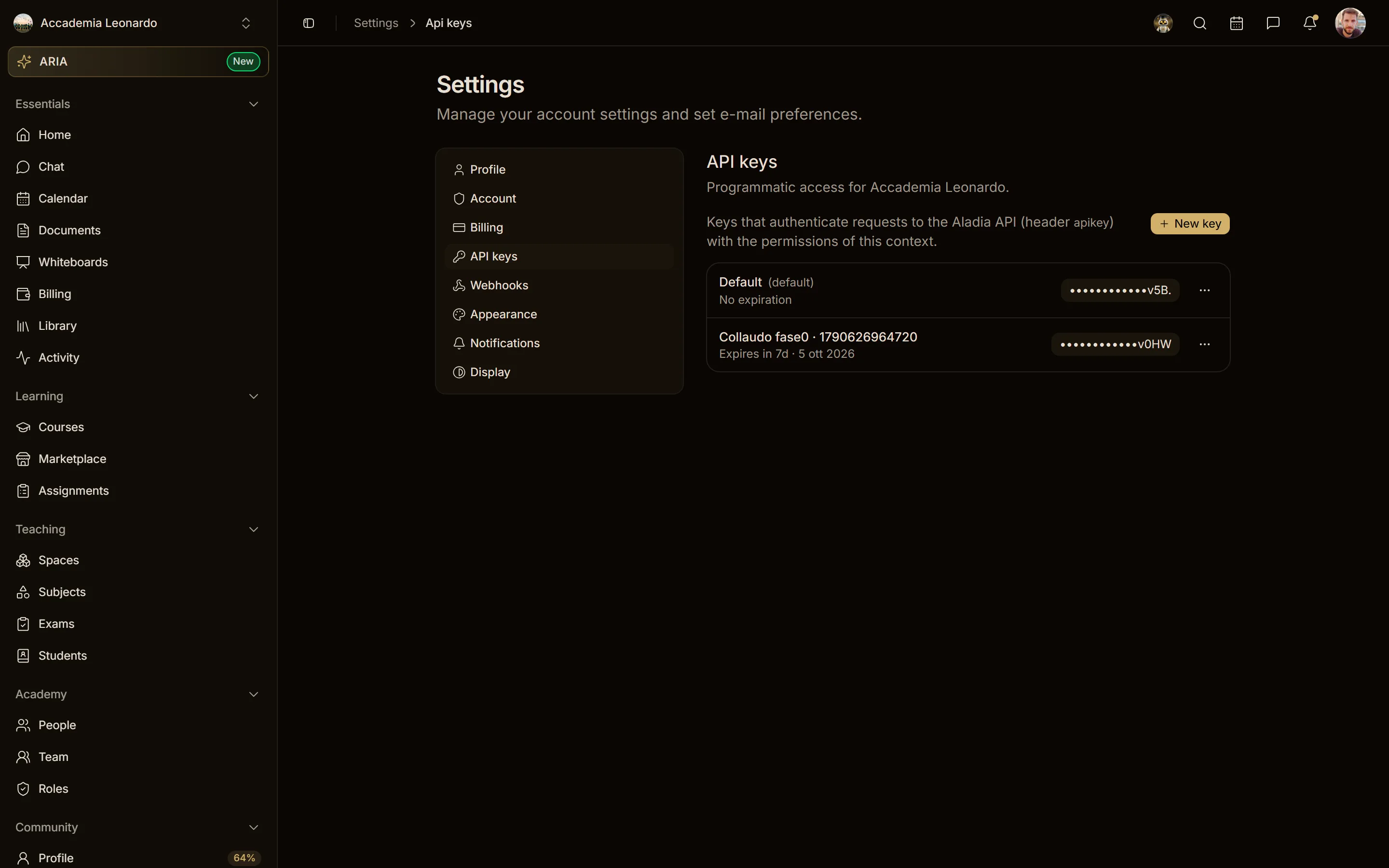
API keys and webhooks belong to the context where you create them: your personal profile or an academy. Settings → API keys and Settings → Webhooks always show those of the active context; to see an academy's, switch to that academy from the profile menu.
Who manages them
| Context | Who creates, sees, edits and deletes keys and webhooks |
|---|---|
| Personal | you, for your own resources |
| Academy | the Owner, Admins and people with the Developer role |
An academy Member without the Developer role gets a 403 error on both keys and webhooks: the page shows no keys, even when the academy has some.
The secret is shown only once
- In Settings → API keys choose New key, give it a name and an expiry.
- The Your new API key dialog shows the full key: copy it right away. Copy it now and store it somewhere safe — it is shown only once.
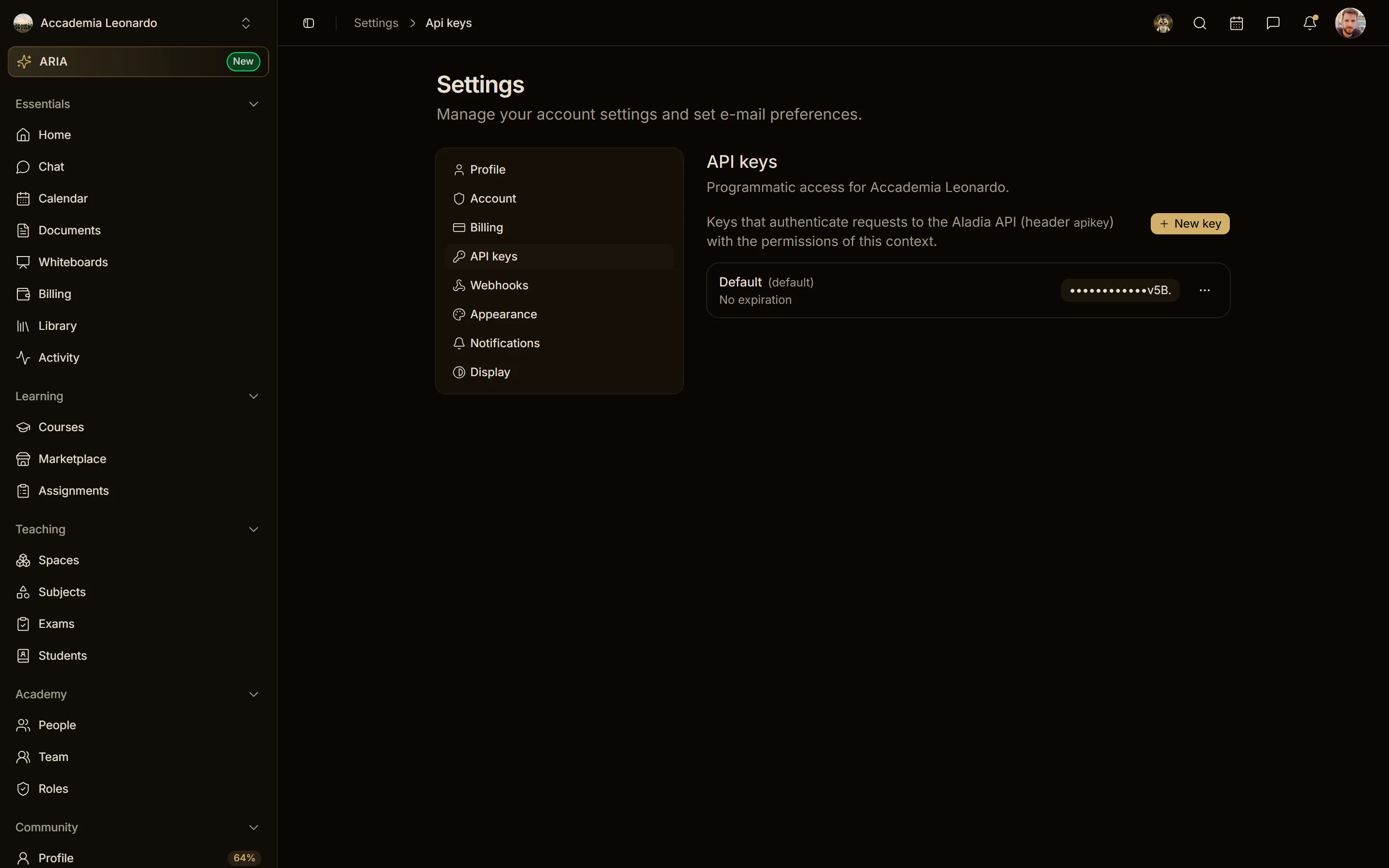
- In the list the key stays masked: twelve dots and the last four characters, so you can recognise it. The platform never shows it again, to anyone.
If you lose a key, delete it and create a new one. The context's default key can be deleted too; it cannot be edited.
Outside their context they do not exist
A key or a webhook of another context, for whoever asks, does not exist: editing it, deleting it, reading its delivery log or testing it answers 404. This holds even for the Owner of another academy.
Webhooks
- A webhook URL must point to a public internet address. Local, private network, link-local, cloud metadata and similar addresses are refused on creation, on edit and at every delivery with
The webhook URL must point to a public internet address.Deliveries do not follow redirects. - Send test is in the Edit webhook dialog and sends a test delivery to the saved URL, with an event the webhook is already subscribed to. If you changed the URL or the events without saving, the dialog asks you to save first: Save your changes before sending a test.
- A test towards an arbitrary URL no longer exists.
- The event catalogue is changed only by the platform staff.