
Account and API keys
Create your account, keep it safe, and generate keys to use the API.
Tested on 28/09/2026 · version 17fbe54642
Create your account
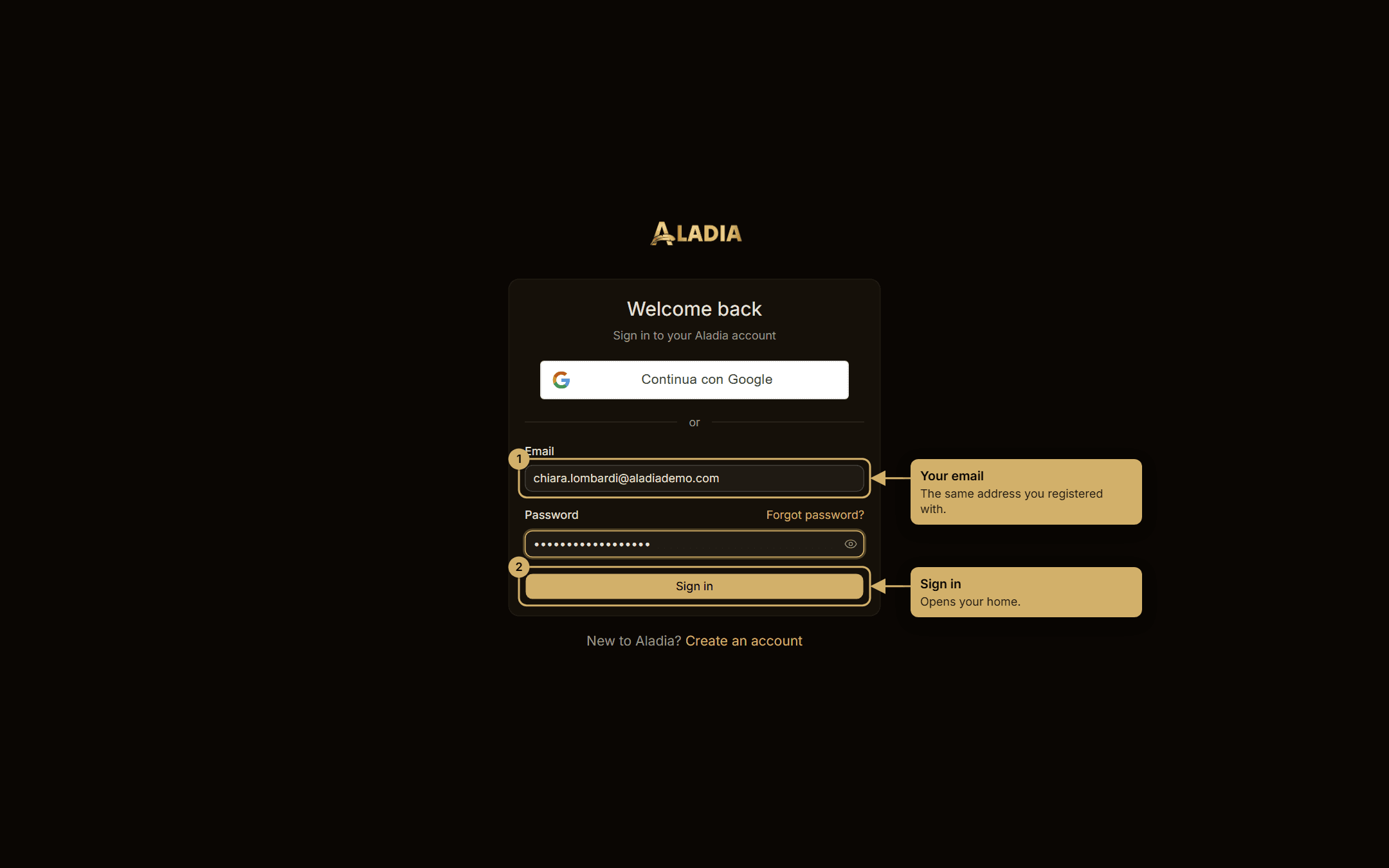
Signing in, signing up with the 6-digit code, setting up your school and the Organization trial are explained in Sign in and sign up.
One account, several workspaces
The same login works in your personal workspace and in every academy you belong to. Switch workspace from the menu at the top of the sidebar.
Your personal workspace
Your account is also a workspace: Settings has People, Teams, Roles, Activity log, Integrations, Branding, Plans and Billing, with you as the Owner. It has its own plan and billing, separate from your academies, and from the same menu you can create a new academy with its own plan. Everything is explained in Plans and billing.
Generate an API key
API keys let scripts and integrations call Aladia on your behalf, with the same permissions you have.
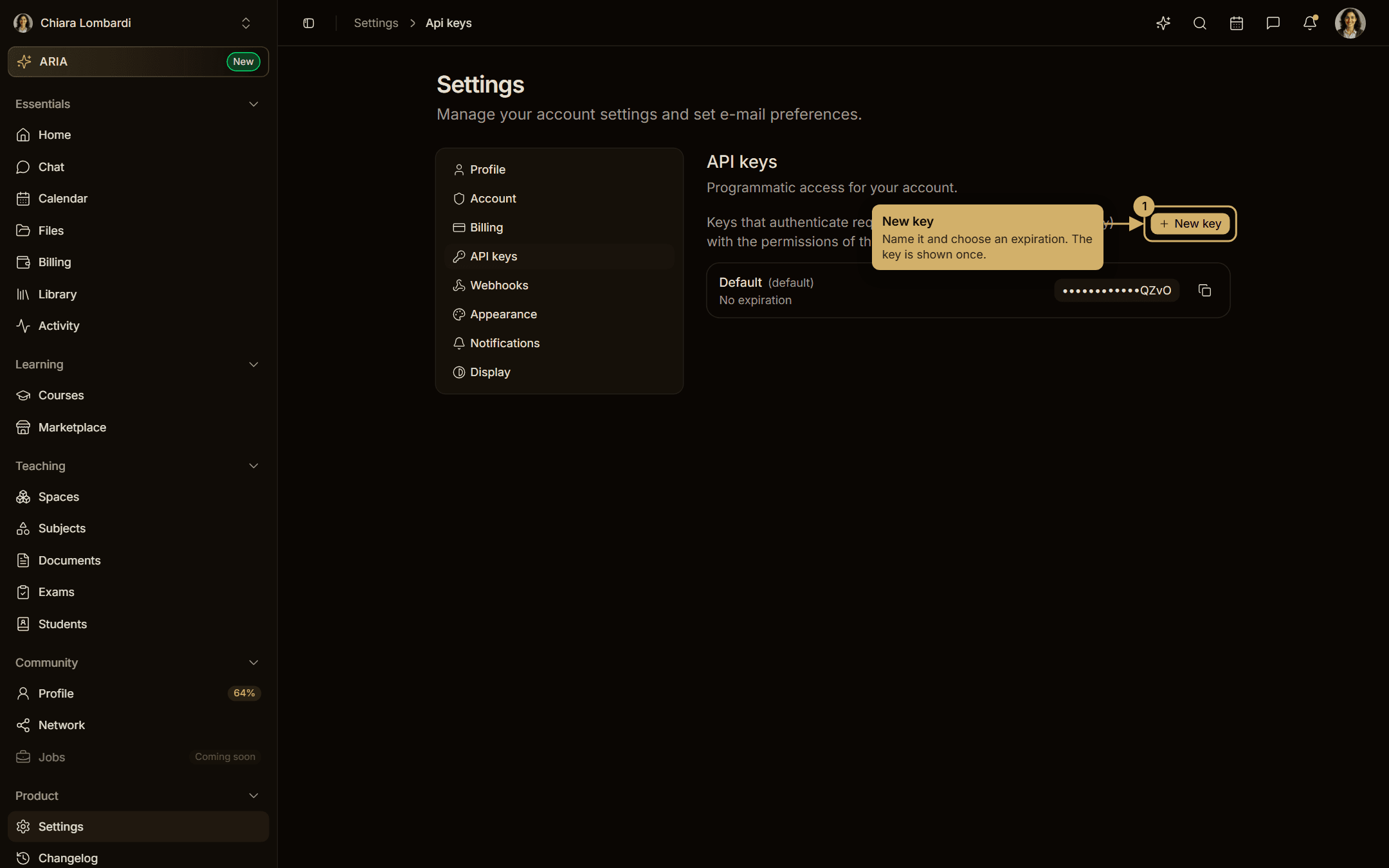
- Go to Settings → API keys.
- Choose New key, give it a name (for example Zapier) and an expiration.
- Copy the key now: for security it is shown only once.
Send the key in the apikey header of every request:
curl https://api.aladia.io/v2/profiles/me -H "apikey: <your key>"Keys can be renamed, given a new expiration or deleted from the same page. Deleting a key stops every integration that uses it immediately.
Webhooks
From Settings → Webhooks you can subscribe an HTTPS endpoint to platform events, send a test delivery and read the delivery log. The full list of events and payloads is in the API reference.