
Invitations and activity log
Who can invite, with which roles, what an invitation link shows and who reads the log of what happens in the academy.
Tested on 28/09/2026 · version 5d7d821a1e
Who can invite
You invite people to a resource (workspace, space, course, calendar, event, chat, subject area, library, exam collection, document) with an email invitation or an invitation link. You need the permission to invite on that resource, and you invite only below your own level: in a workspace the Owner and the Admins invite, Members do not; on the other resources the Manager and the Editor invite.
The same permission is needed to change an invitation already sent: add or remove people, change roles, extend the expiry. Anyone without it gets a 403 error.
With which roles
The Owner role is never invited, on any resource: ownership follows the context where the resource was created and is transferred, not handed out with an invitation. An attempt to invite someone as Owner is refused, even when it comes from an Admin. These are the roles an invitation can give, and who can give them:
| Resource | Roles you can invite with | Who gives which role |
|---|---|---|
| Workspace | Admin, Member, Viewer, Student | Owner and Admin: every role except Owner |
| Space | Manager, Editor, Member, Viewer | Manager: up to Editor. Editor: Member and Viewer. Admin of the workspace: every role |
| Course | Manager, Teacher, Editor, Student, Viewer | Admin of the workspace: every role, Manager included. Course Manager: everything except Manager. Teacher and Editor: Student only |
| Calendar | Manager, Editor, Member, Viewer | Manager: up to Editor. Editor: Member and Viewer |
| Live event | Manager, Editor, Member | Manager: up to Editor. Editor: Member |
| Subject, level | Teacher | Manager or Editor of the subject area |
| Chat | Admin, Member, Read-only | the chat's Owner and Admins |
| Subject area, library, exam collection | Manager, Editor, Viewer | Manager: up to Editor. Editor: Viewer |
| Document | Viewer | the document's Owner |
"Locked" and "removed" in a chat are member states, not roles: they cannot be invited. A role outside the list is refused with a 400 error: Invalid role for resource type: <type>. (invitation link) or One or more invitation roles are invalid for the specified resource. (email invitation). An invitation link never gives Manager: a Manager is appointed by name.
One wrong role refuses the whole invitation
The permission to invite is a list of excluded roles, checked on every role of the invitation. If even one of the roles is not yours to give, the invitation is refused as a whole with a 403 error and nobody is invited, not even the people with an allowed role. For example, Davide, Teacher of a course, invites Ginevra as Student and Giorgia as Manager in the same request: 403, and neither invitation leaves. The same Davide inviting only Ginevra as Student succeeds.
In the invitation dialog of a course (Members → Invite) the Role menu offers only the roles you can give: a Teacher sees only Student — Attends, the Admin sees every role.
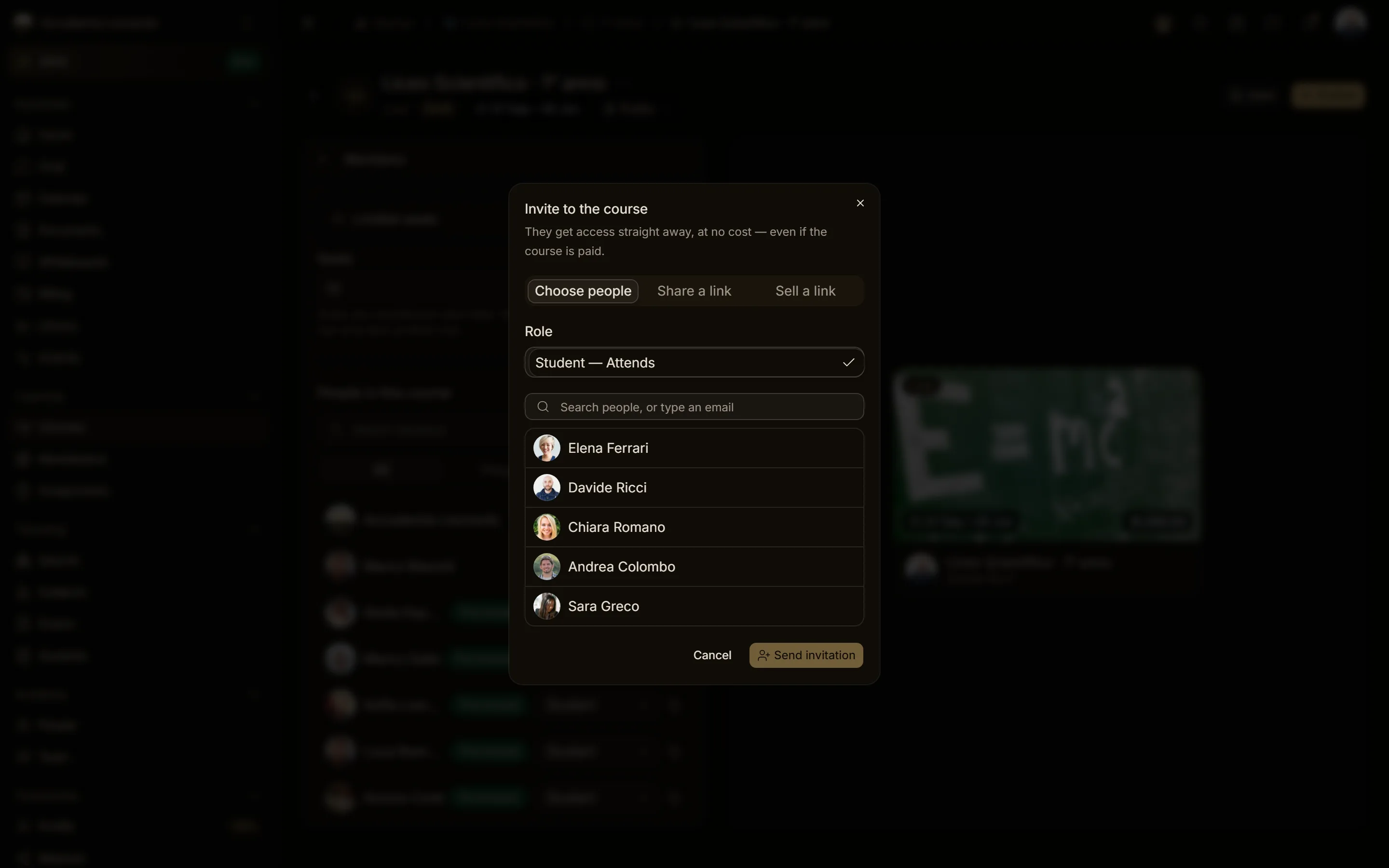
Student is also the role of the workspace's students: whoever joins a course of the workspace becomes one automatically, with no invitation. See What a student sees in the academy.
What an invitation link shows
Whoever opens an invitation link, even without an account, sees only what they are invited to, with which role, until when and by whom. They do not see who else was invited, nor who has already accepted or declined.
An open invitation (a link, which names nobody) is accepted only from the link. An email invitation can be answered only by the person it names: the invited profile or email address, or the organisation for branches. Anyone else gets a 403 error.
The activity log
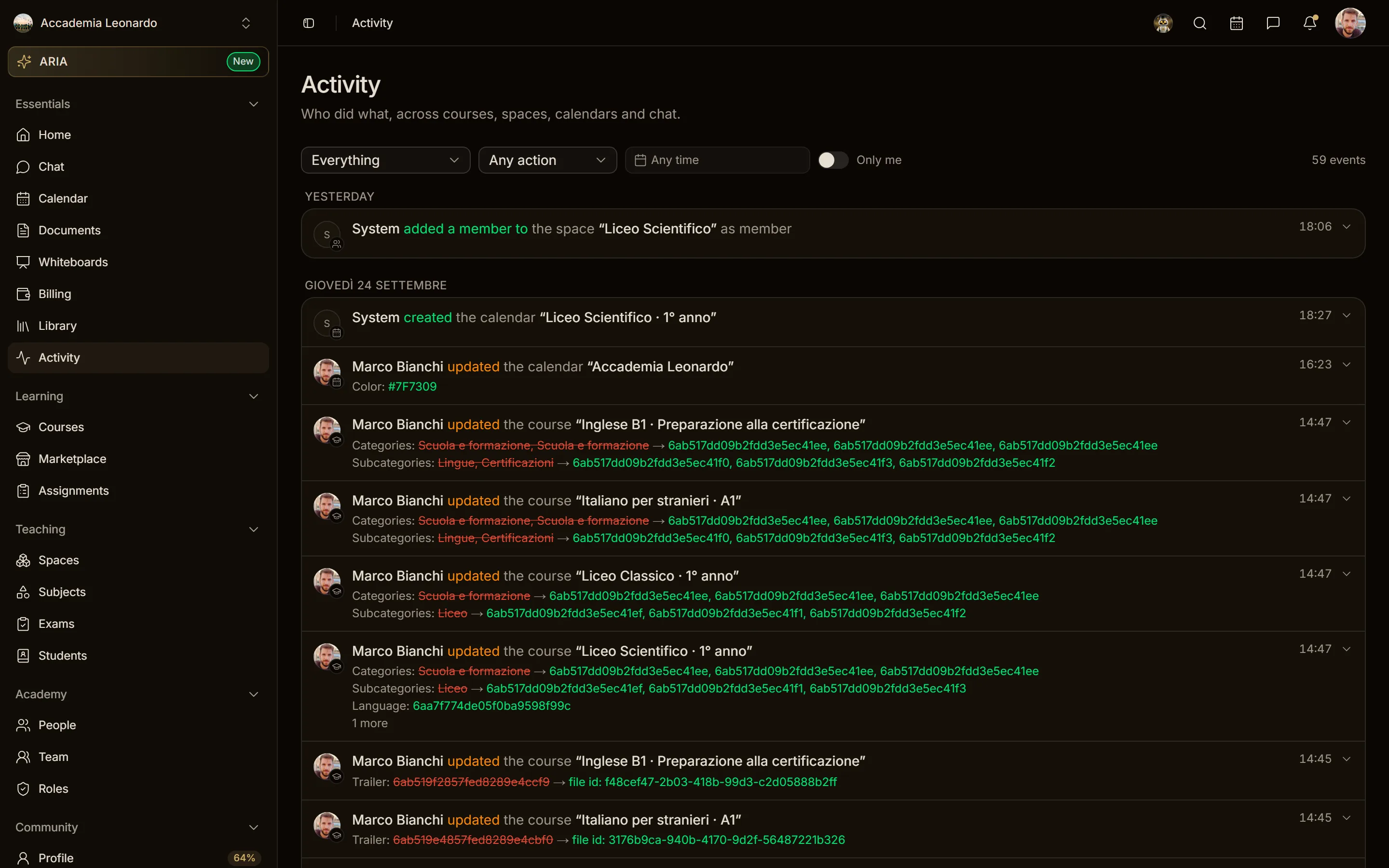
Activity shows who did what: courses, spaces, calendars, chat. The platform decides the scope from who is reading, and filters can only narrow it:
| Who reads | What they see |
|---|---|
| Owner, Admin (academy context) | every row of the academy |
| Any other member (academy context) | only their own actions in that academy |
| Anyone in the personal context | only their own actions |
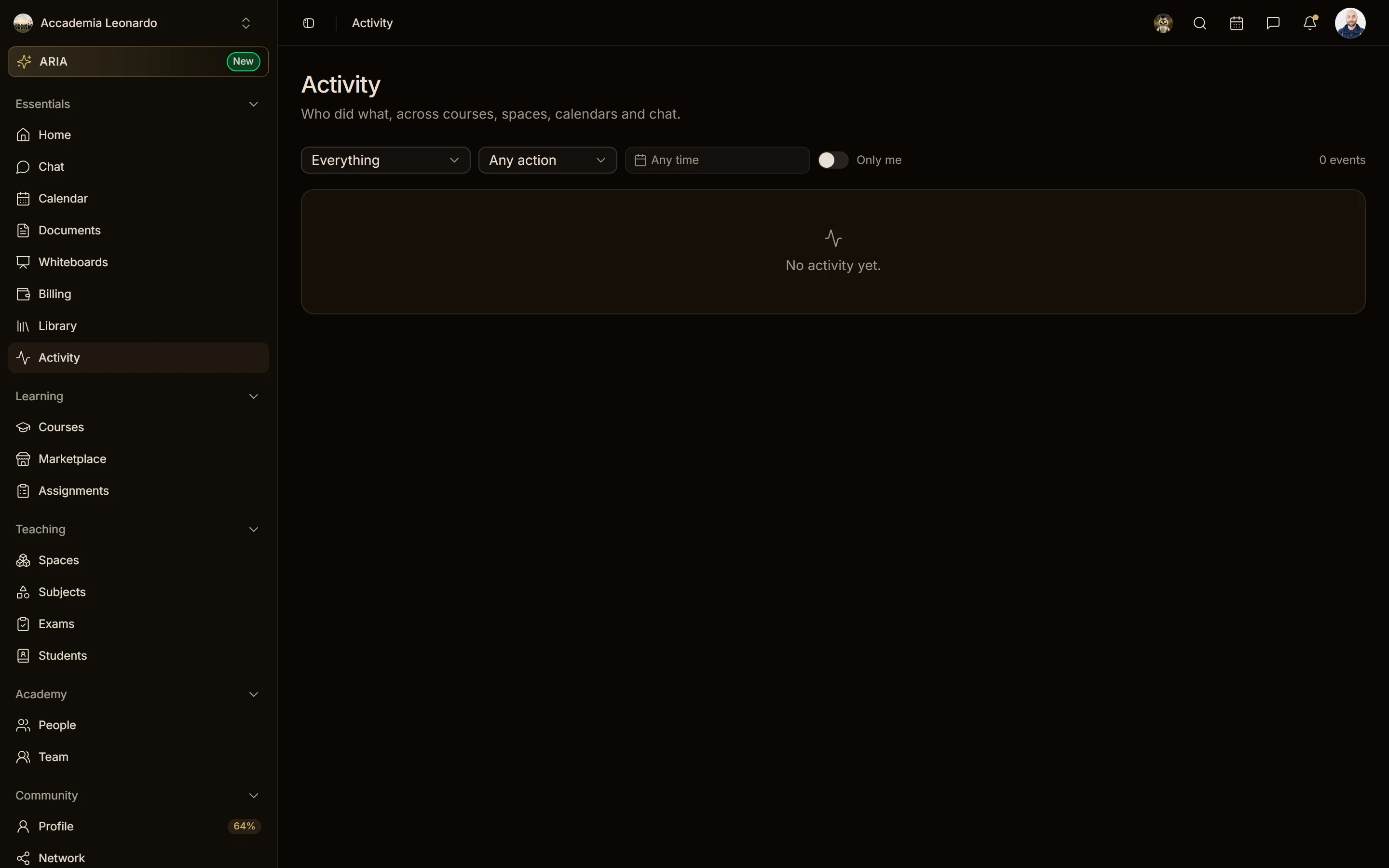
A Member who filters by another person does not get that person's rows: they keep seeing only their own. When there is nothing to show the page says No activity yet., or Nothing matches these filters. when the filters exclude everything.
Academy notifications
- The notification settings in the academy context belong to the academy: only the Owner and Admins change them. In the personal context everyone changes their own.
- The academy's payment notifications (payment method added, payment failed, receipt ready, course purchases, subscriptions and instalments) are seen only by the Owner and by people with the Billing role. Other members do not see them, neither in the list nor in search.