What a student sees in the academy
The academy seen by one of its students (sidebar, courses, documents, whiteboards and calendars) compared with what the Owner sees.
Tested on 28/09/2026 · version 5d7d821a1e
Whoever joins a course of an academy becomes a Student of that academy (before 28/09/2026 the role was called External member). It is the student's role in the academy: they can switch into it from the workspace switcher, like the staff, but inside they see their own courses and what is shared with them, nothing of the academy's internal work.
| Owner, Admin | Staff (Member, Teachers) | Student | |
|---|---|---|---|
| Switch into the academy | yes | yes | yes |
| Sidebar sections Teaching and Academy | yes | yes (Roles read-only for Members) | no |
| People and teams of the academy | yes | yes | no (403) |
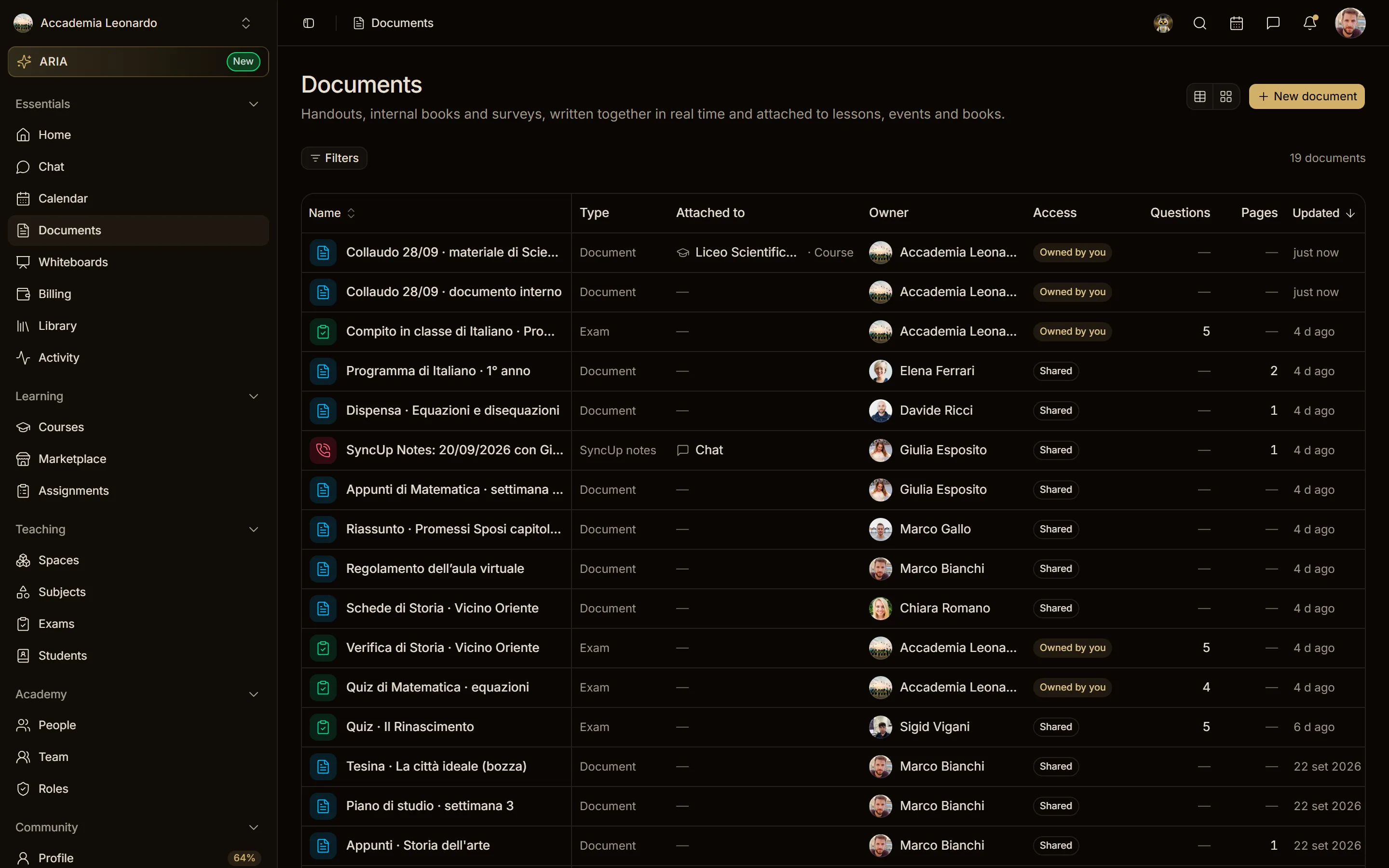
| Documents | all the academy's | shared with them, and those of their courses | shared with them, and those of their courses |
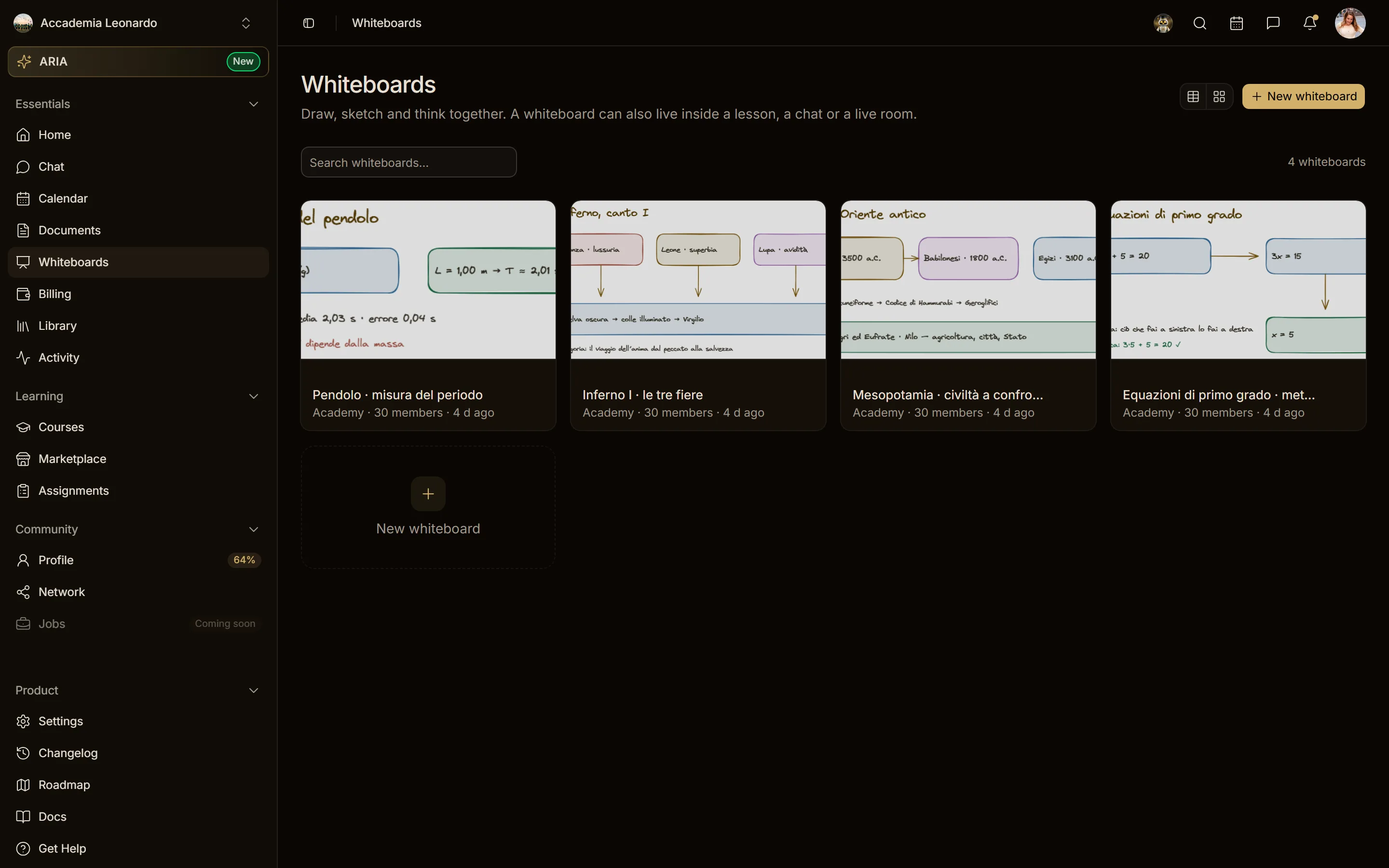
| Whiteboards | all the academy's | their own, invited, and the "Academy" ones | their own and those they are invited to |
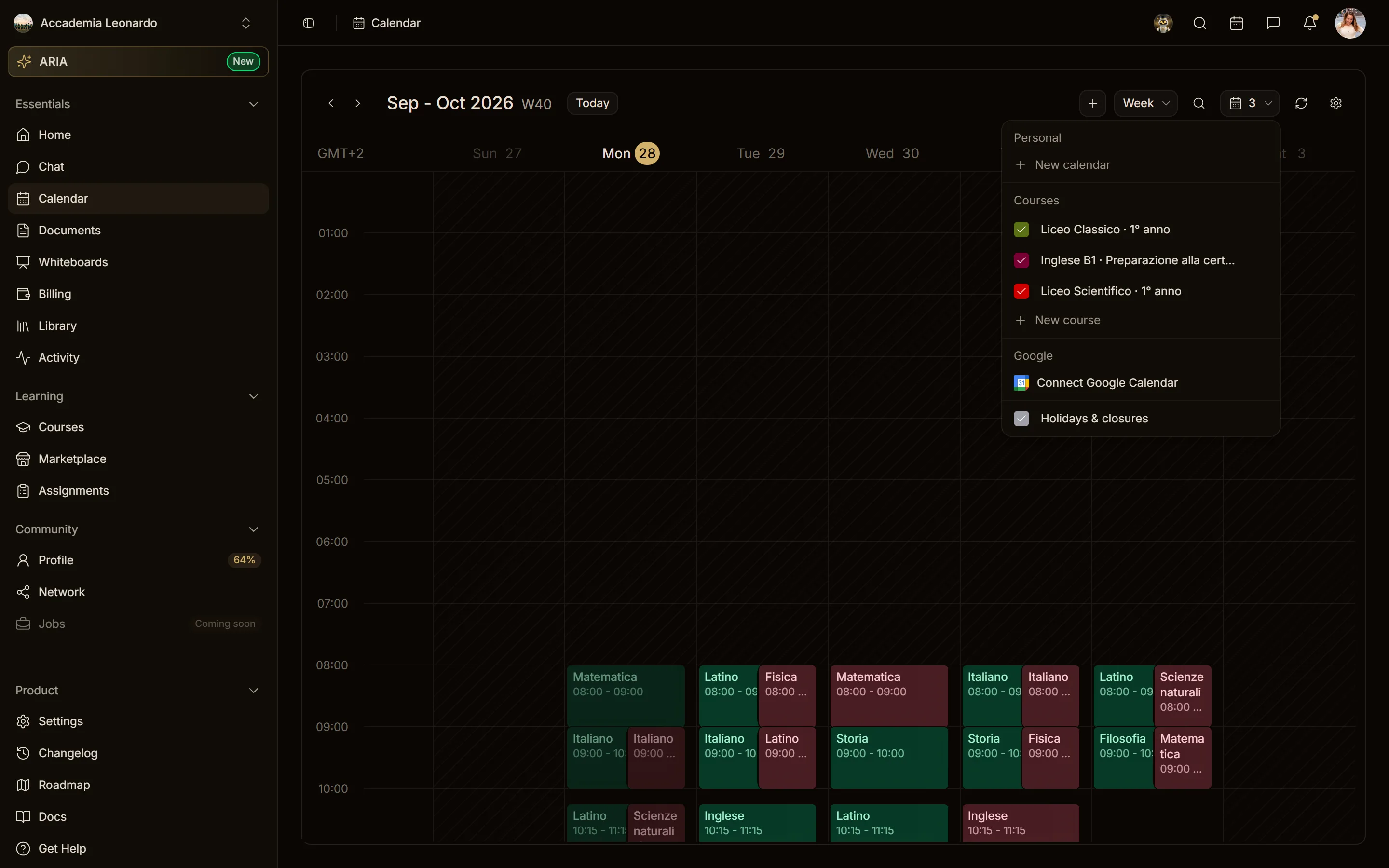
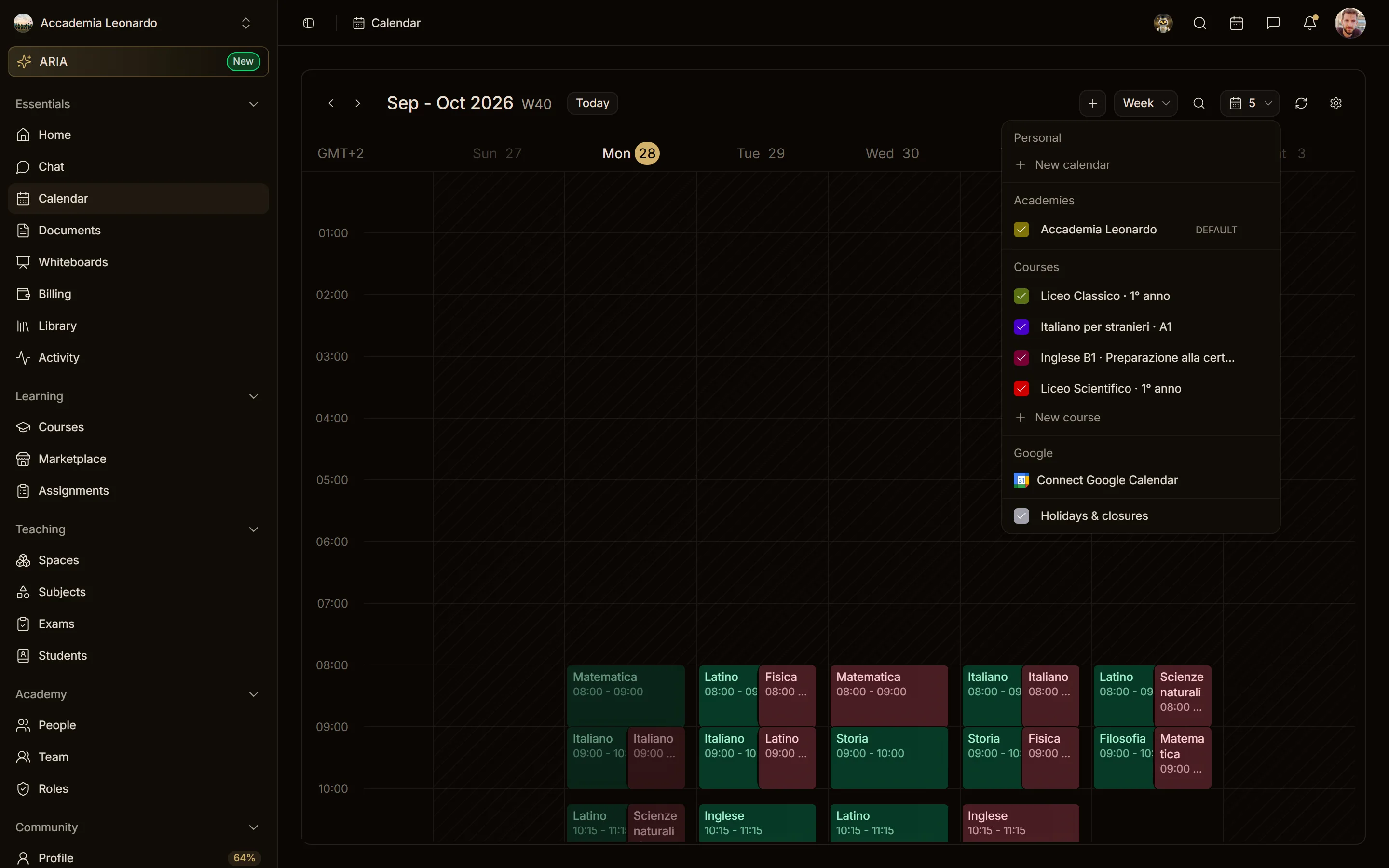
| Calendars | all the academy's | theirs and those of their courses | theirs and those of their courses |
Sidebar
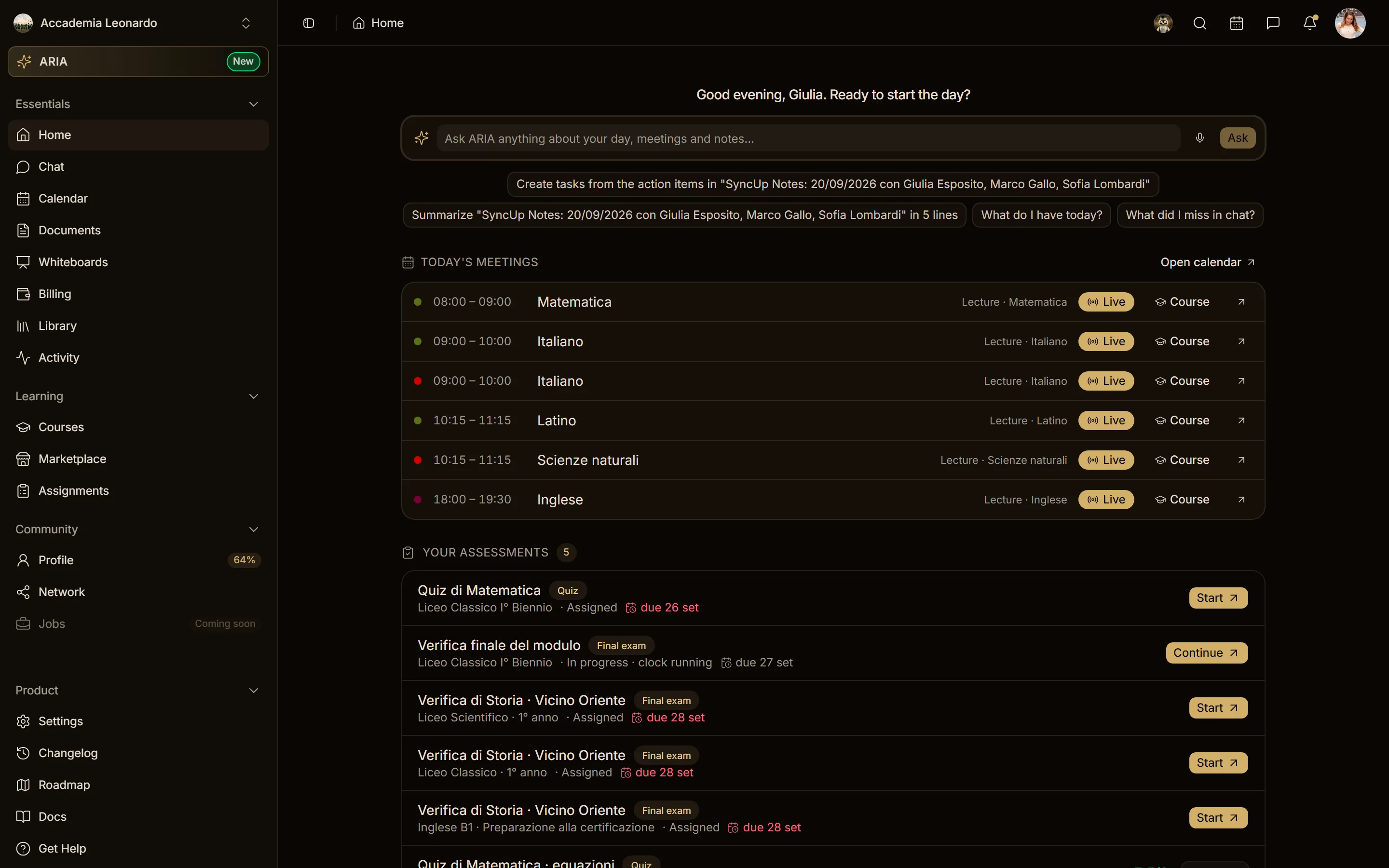
The student's sidebar has Essentials, Learning and Community. The Teaching section (spaces, subjects, exams, Students) and the Academy section (People, Team, Roles) are not there: they are for the staff, and Teaching also for whoever teaches a course.
Courses
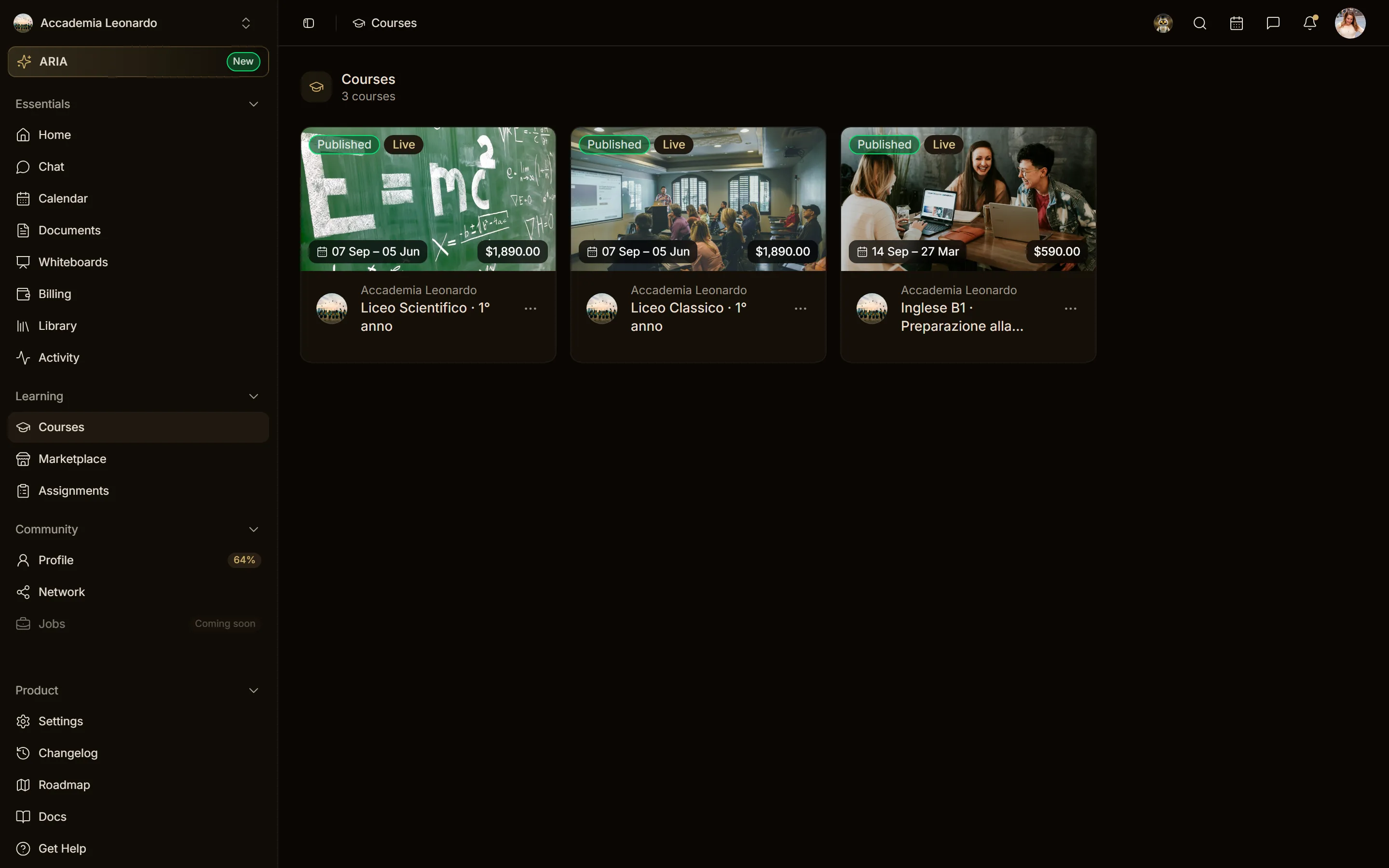
Courses shows the academy courses the student follows. The Teaching list, with the courses a person teaches or manages, is empty for a student, so there are no tabs: the Learning and Teaching tabs appear only to someone who has courses in both lists.
People
The academy's people and teams are for the staff. A student who asks for the member list or the teams gets a 403 error. They still see who is in their courses and chats, through the course and the chat room.
Documents
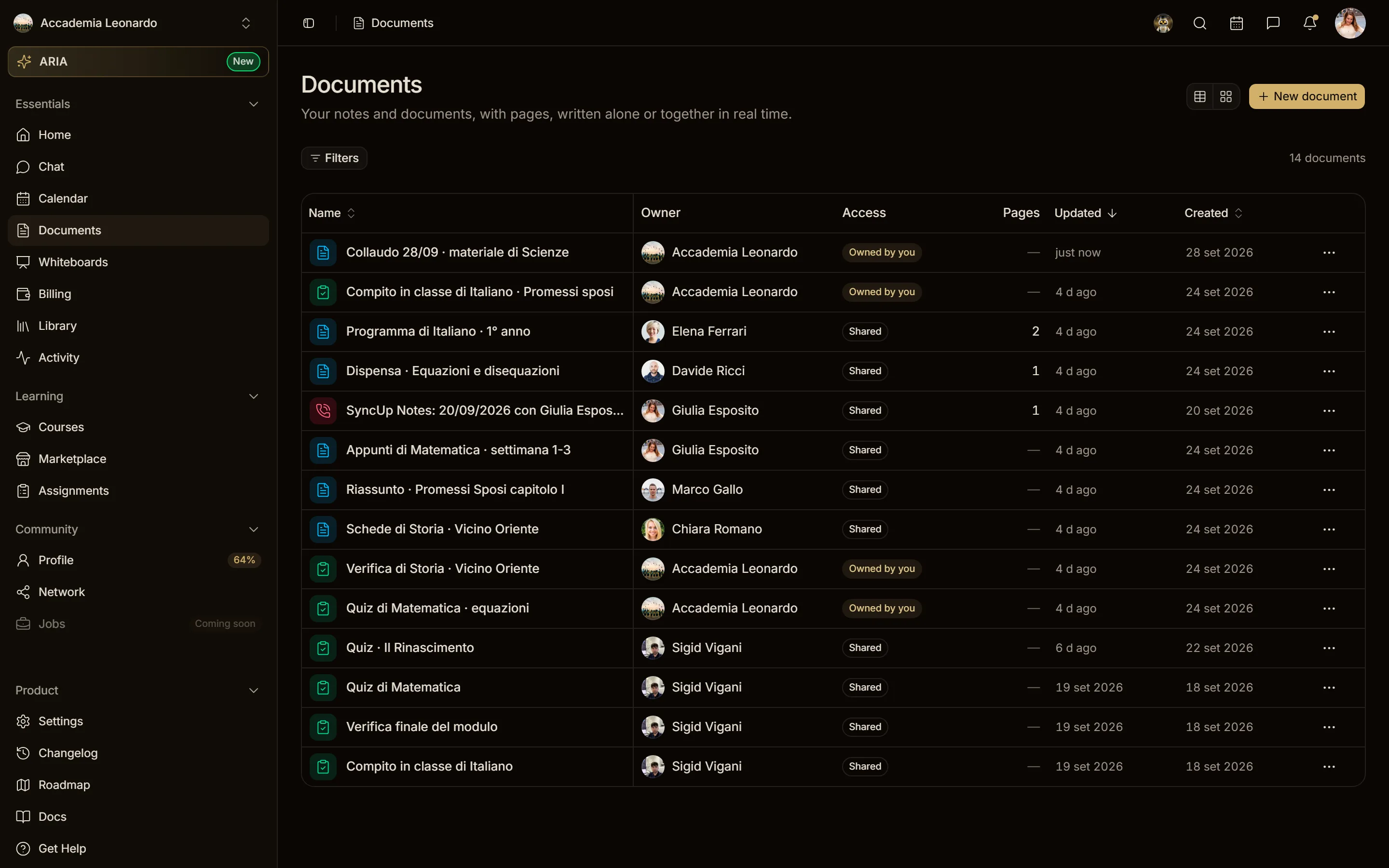
In the academy context the student sees:
- the documents shared with them (they are a viewer or the creator);
- the documents attached to the courses and lessons they follow.
Documents of the academy that are neither shared nor attached to one of their courses do not appear, and opening one by link gives a 403 error. A student of another course does not see the documents of this one.
The Owner and the Admins see every document of the academy.
Whiteboards
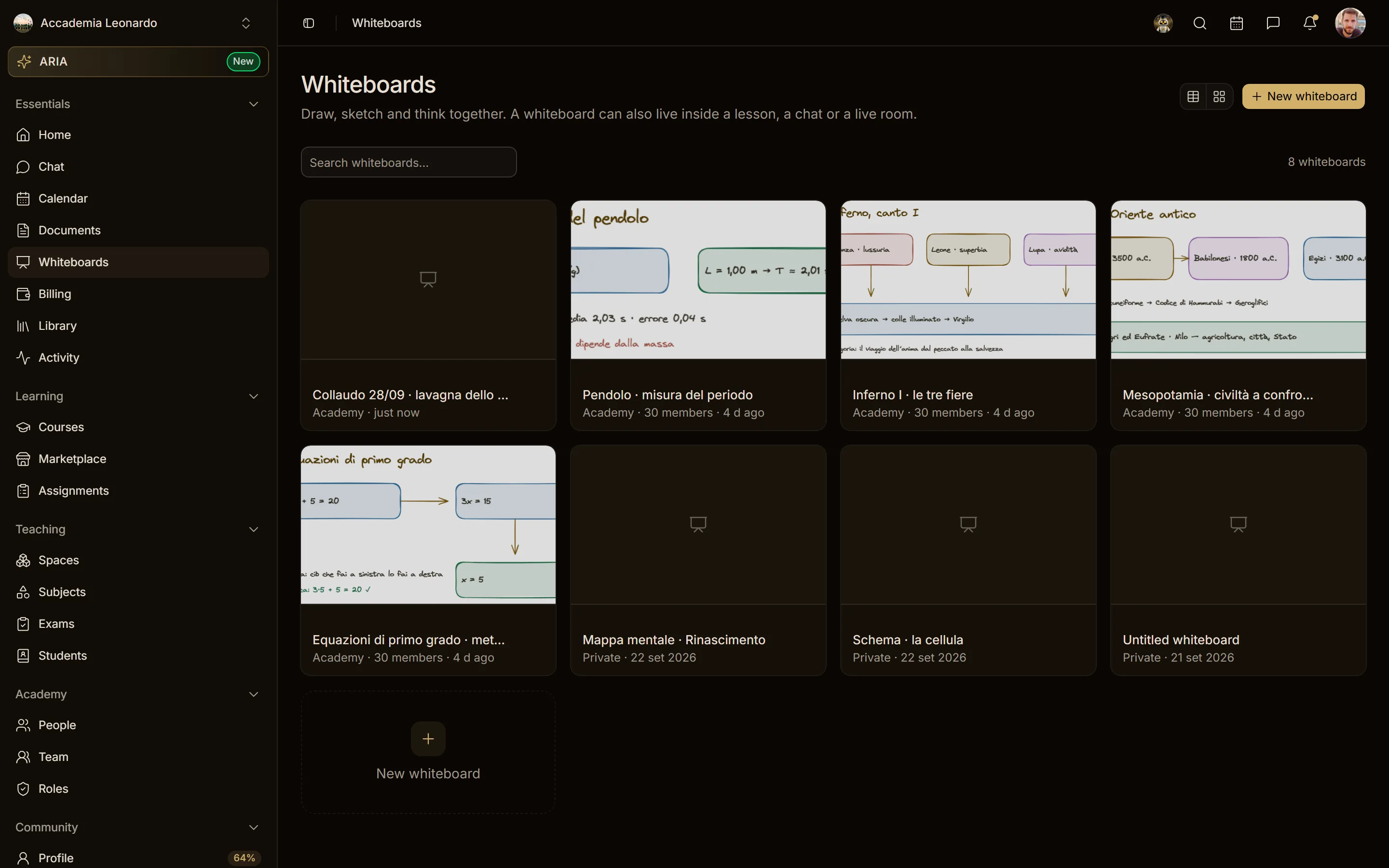
A whiteboard with Academy access is open to the academy's staff, not to its students. The student's list has their own whiteboards and those they were invited to (Accademia Leonardo's class whiteboards list the students among their members, so they appear).
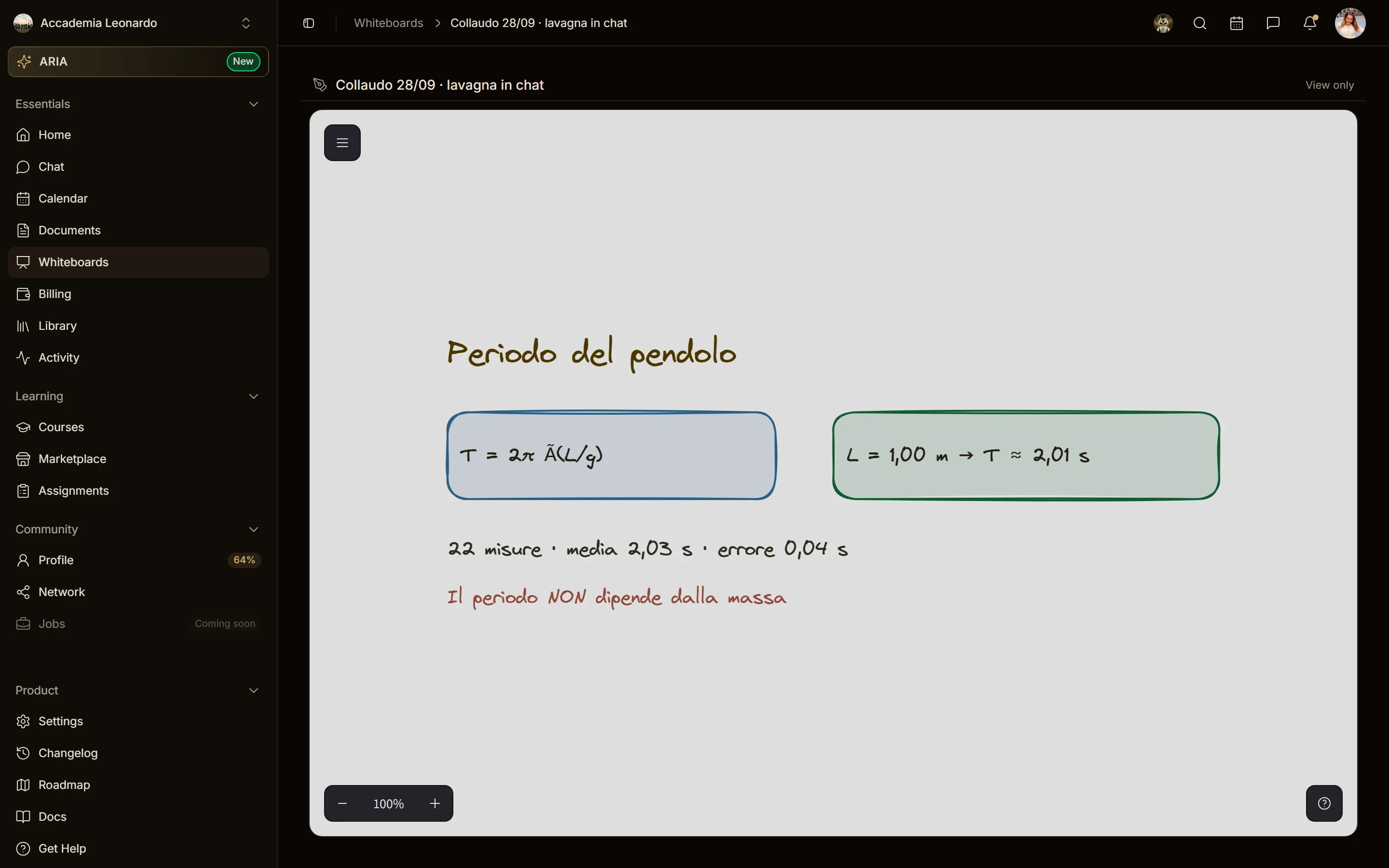
A whiteboard posted in a chat (course, space or group channel, or a direct message) or attached to a lesson can be opened by the people of that chat or course, in View only mode; whoever manages the course can edit a lesson's whiteboard. These whiteboards open from the chat or the lesson and do not appear in the student's Whiteboards list.
Whoever created the whiteboard keeps editing it after posting it.
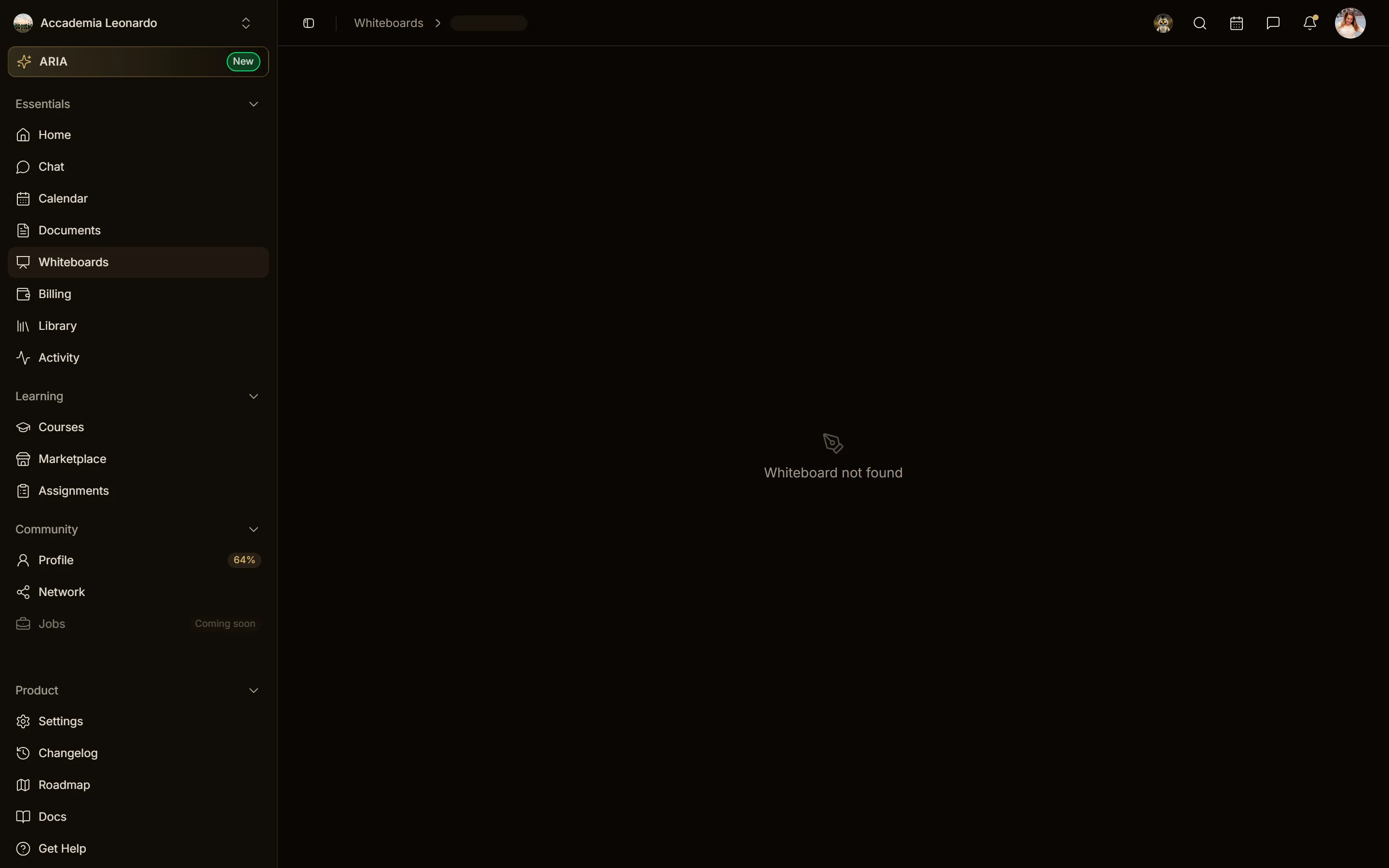
A whiteboard posted in a chat stays open to the people of that chat as long as the chat has at least one message carrying it. When the last one is deleted for everyone, the access that came from the chat goes away: whoever could open it only from there gets Whiteboard not found (404). The creator and the people invited to the whiteboard keep it.
The Owner and the Admins see every whiteboard of the academy.
Calendars
The student's calendar list has their own calendar and the calendars of the courses they follow. The academy's calendar and the calendars of other courses are not there, and event search does not return their events.