
Roles and custom roles
The roles of a workspace and of its resources, who reads the roles page, how to create a custom role and why it can never exceed the person who creates it.
Tested on 28/09/2026 · version 5d7d821a1e
Everyone in a workspace has one primary role: Owner, Admin, Member, Viewer, or Student for the people who follow its courses. On top of it they can have add-on roles for a function: Billing, Developer, Social. Every resource of the workspace (spaces, courses, calendars, events, subject areas, libraries, exam collections, documents) has its own roles with the same names: Manager, Editor, Member, Viewer, plus Teacher and Student on courses. The levels and how they are inherited are explained in Permissions.
Roles are listed in People → Roles & permissions, grouped by resource: Academy, Spaces, Courses, Calendars, Chat, Subject areas, Book libraries, Exam collections, Documents, Events. For each role the page shows the real rules the platform checks on every request, conditions included, and the roles it inherits from.
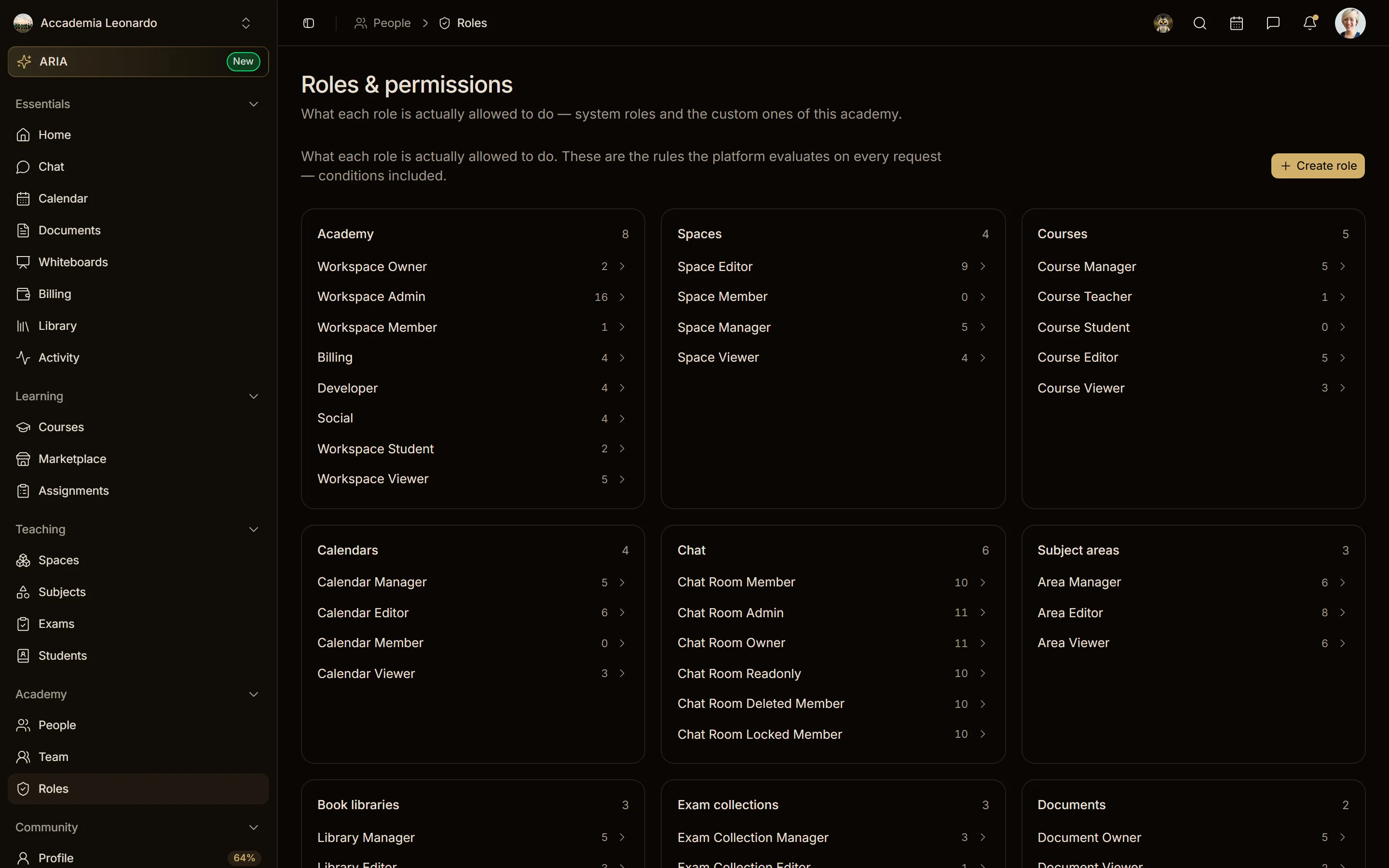
Who reads the roles page
| Role in the workspace | On the roles page | Custom roles |
|---|---|---|
| Owner | sees the catalogue | creates, edits and deletes them |
| Admin | sees the catalogue | creates, edits and deletes them, within their own ceiling |
| Member | sees the catalogue read-only: opens every role and its rules, without Create role or Delete | no action: the server answers 403 |
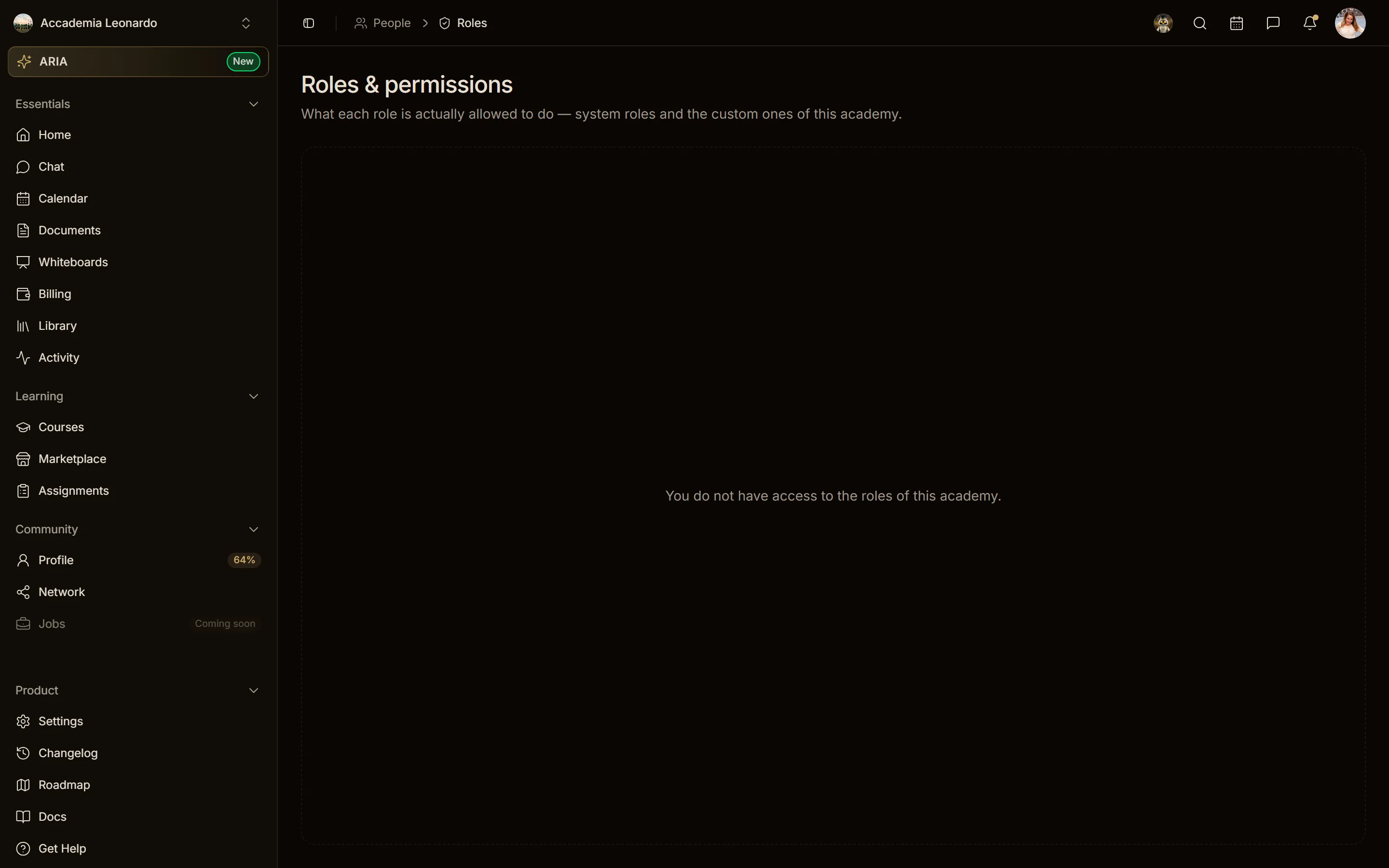
| Student, Viewer | You do not have access to the roles of this academy. (the server answers 403) | — |
| Someone outside any workspace | the section is not there | — |
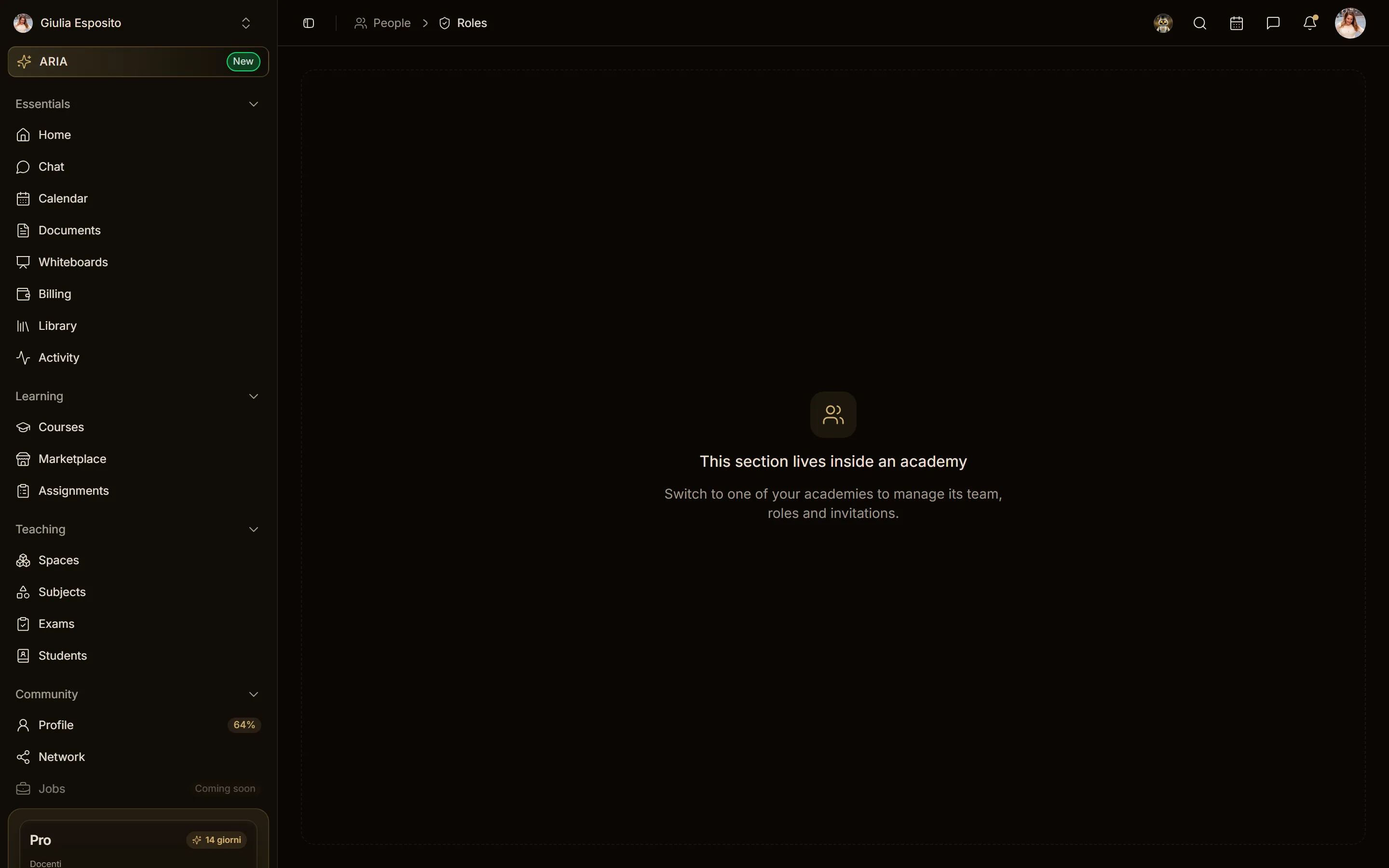
Outside a workspace the page shows This section lives inside an academy, with an invitation to switch to one of your workspaces from the profile menu.
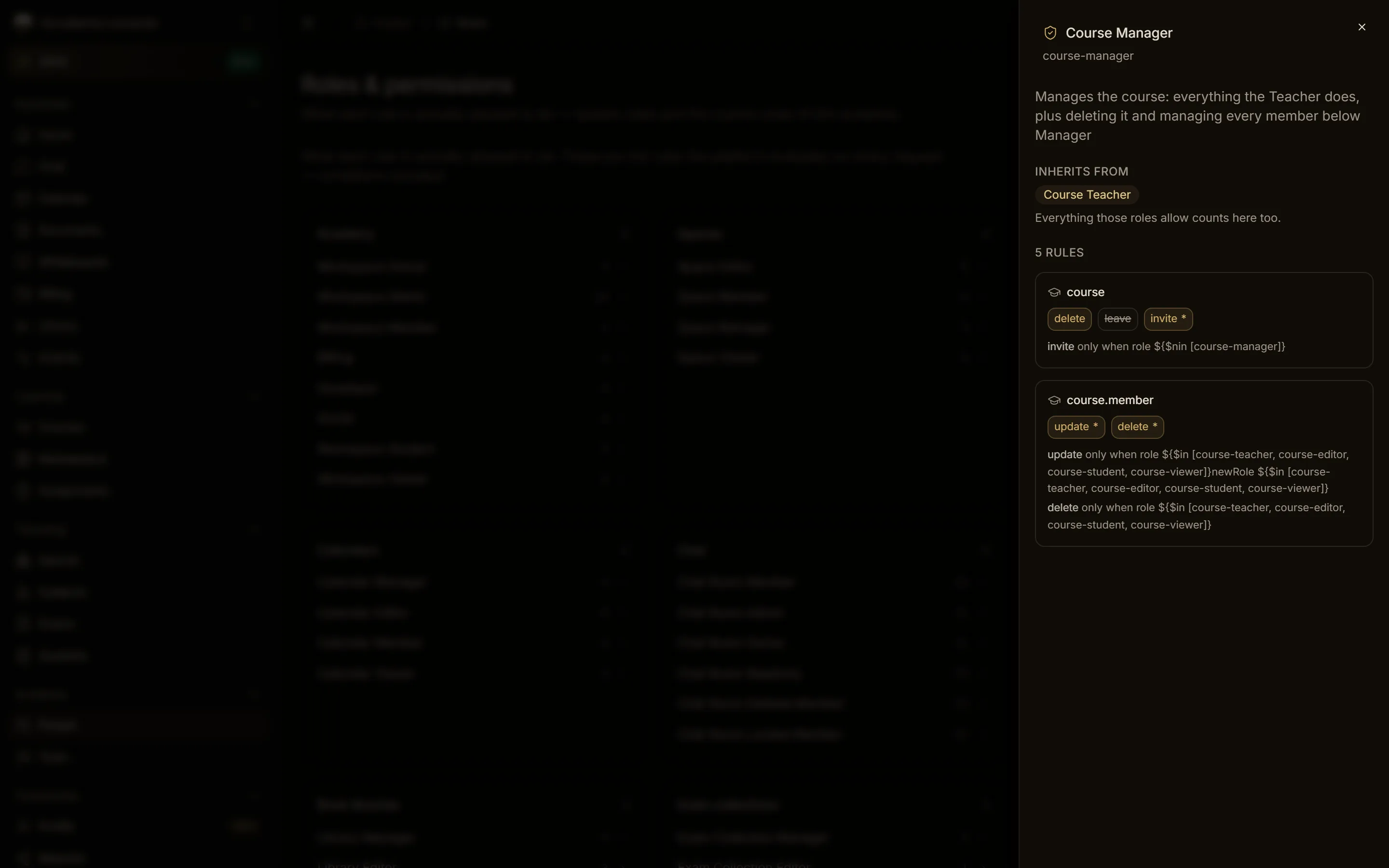
The Admin appoints the Managers of courses
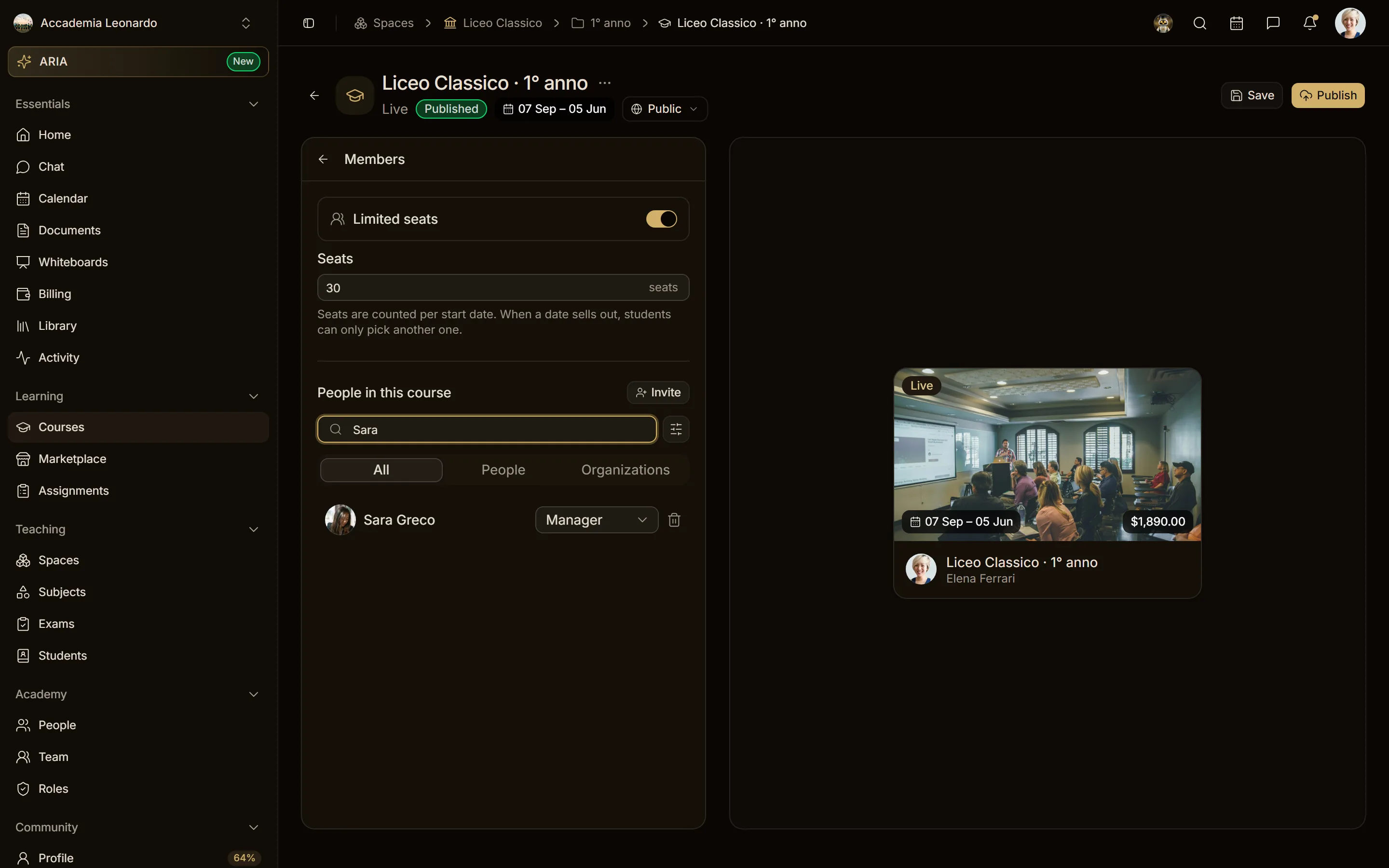
The Admin of the workspace is Manager of every course without being added to it, and it is the one who appoints the Managers: in the course builder, Members → Invite offers the Admin every role, Manager — Full access included. A course Manager invites every role except Manager; a Teacher or an Editor invites only Students.
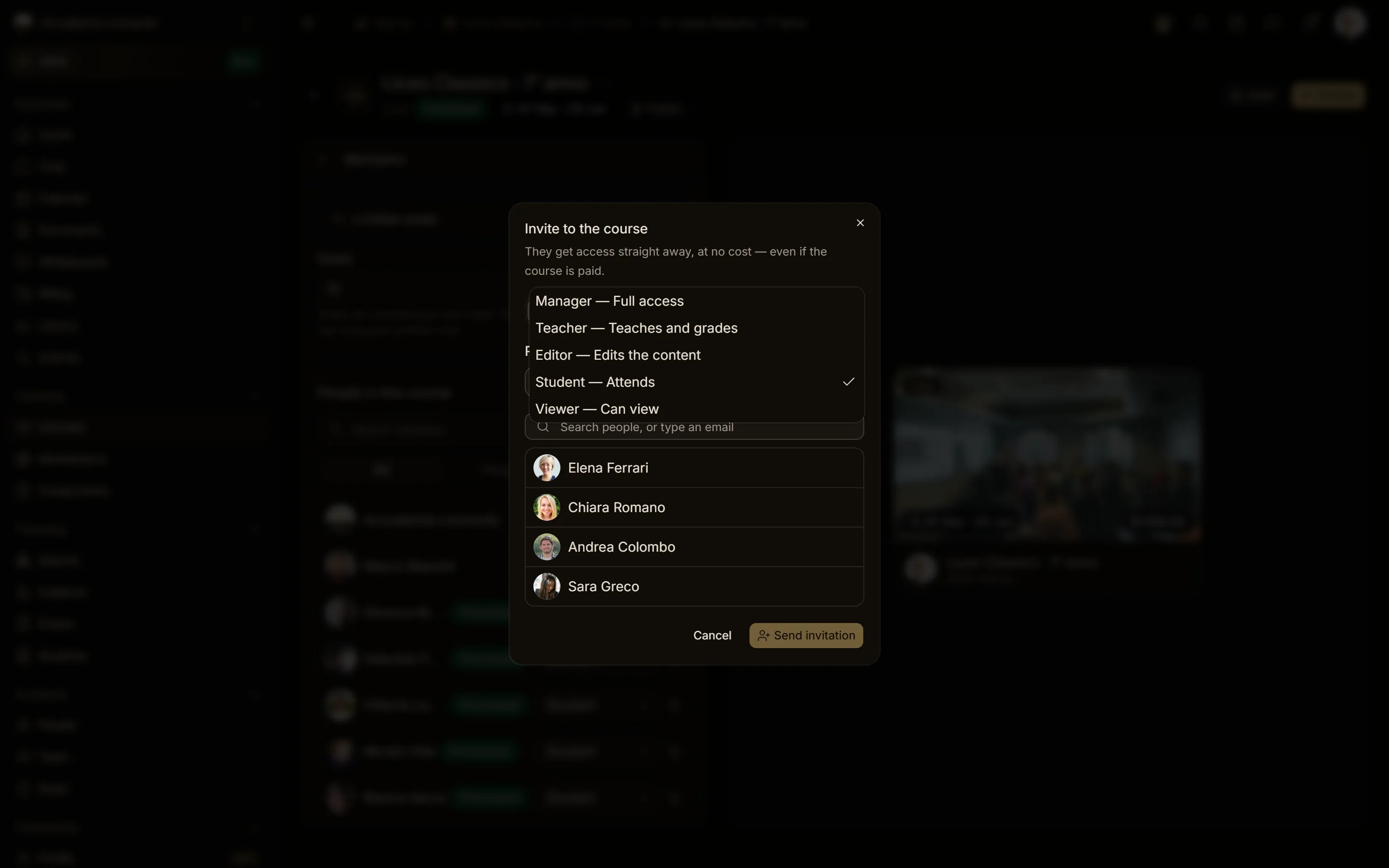
The invited person accepts and appears among the members of the course with the role Manager.
Create a custom role
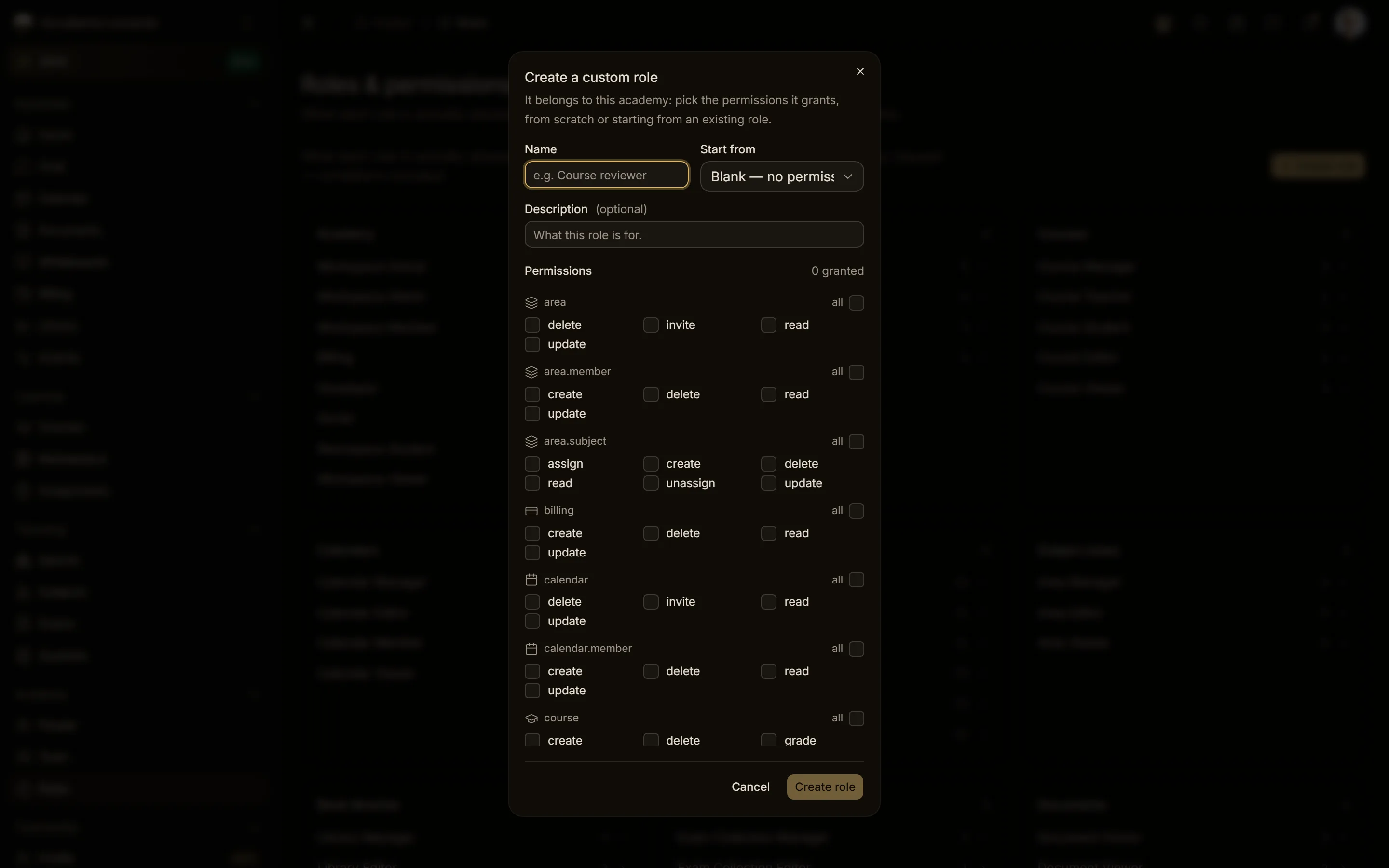
- In People → Roles & permissions choose Create role.
- Give it a name (for example Course reviewer) and, if you like, start from an existing role with Start from.
- Turn on the permissions the role grants and confirm with Create role.
The dialog offers only the permissions the role can really grant: those of the system Admin role, minus the powers that stay with the Owner (creating and deleting the workspace). When you start from an existing role, permissions outside this list are not copied.
The ceiling of a custom role
A custom role can never give more than its creator has. This always holds, even when the request comes from a script or the API:
- it grants only permissions that its creator holds in the workspace and that the system Admin role grants;
- it never contains the powers reserved to the Owner;
- it can only extend roles its creator holds, never the Owner role;
- the conditions of a permission (for example "you can change the role only of someone with a lower role than yours") are set by the platform, not by the role's creator;
- the role key is generated by the platform (
custom-…) and never changes: a custom role cannot be renamed into a system role.
If a request goes over the ceiling, the role is not created and the answer is a 403 error with one of these messages:
A custom role cannot grant permissions you do not hold or reserved to the owner: <permissions>.A custom role can only extend roles you hold in this academy, never the owner role.
A Member who tries to create a role gets a 403 error. System roles (Owner, Admin, Member, Course Manager…) are changed only by the platform staff.
Roles given by a team
A team can receive roles, and its members inherit them. A team never lowers anyone: if a person already has a higher primary role than the one the team would give (for example they are Admin and the team gives Member), they stay Admin. Add-on roles given by the team add up to the personal ones without replacing them.
Teachers and Stripe
The Teacher of a workspace course does not sell it: the workspace does. To publish a workspace course the Teacher needs edit rights on it, not a Stripe account of their own; the Stripe verification that counts is the workspace's. A freelance teacher selling their own courses still completes the verification with Stripe.
Leaving a workspace
Whoever leaves a workspace, or is removed from it, immediately loses the permissions that role gave them. Removing several people at once never touches the Owners.
Creating in the personal context
In your own personal context you create your own resources: spaces, documents, book libraries, exam collections and personal calendars. Everything else is created inside a workspace, with the role that is needed there. Whoever creates inside a space is checked against their role in that space: from Editor up.
Assigning teachers and books
To assign something you need the right to change the target resource:
- Teachers of a subject or a level: Manager or Editor of the subject area, and the subject and level must belong to that area;
- books on a course or a calendar: read access to the book's library plus edit access (Editor or above) to the course or calendar (otherwise
You need edit rights on the course or calendar to change its books.).