
Add people to a course
The Add people dialog of an academy course, which people and teams it finds, and who can use it.
Tested on 28/09/2026 · version 5d7d821a1e
In an academy the people who take a course do not need an invitation: whoever manages the course puts them in with Add people. They join the course right away as Students, with no invitation to accept.
Where it is
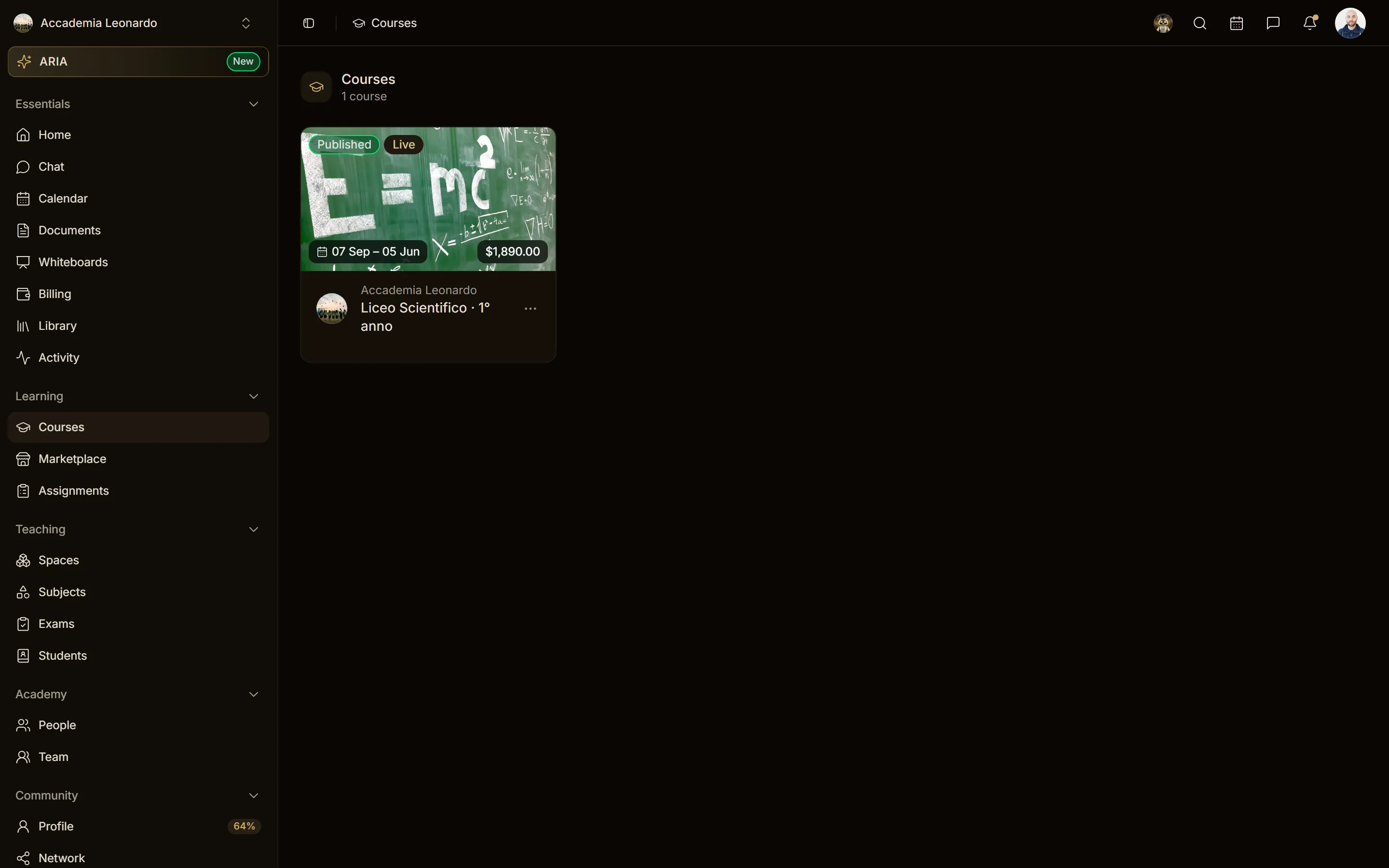
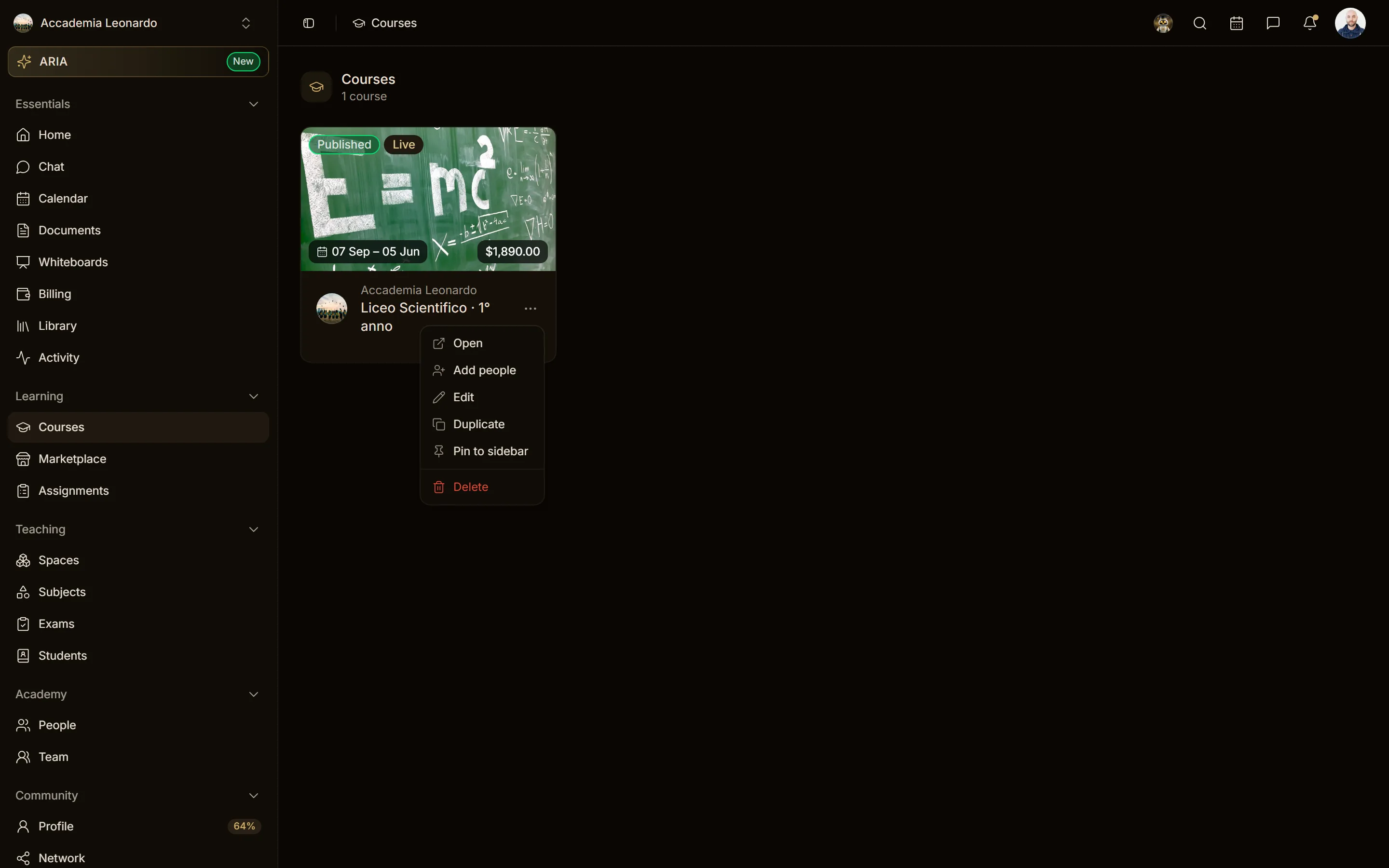
Add people is in the ⋯ menu of an academy course card, next to Open, Edit and Duplicate, wherever the card has the builder actions: the Courses page (the courses you teach or manage), spaces and folders. It does not appear on the cards of the courses you follow as a student.
People and teams
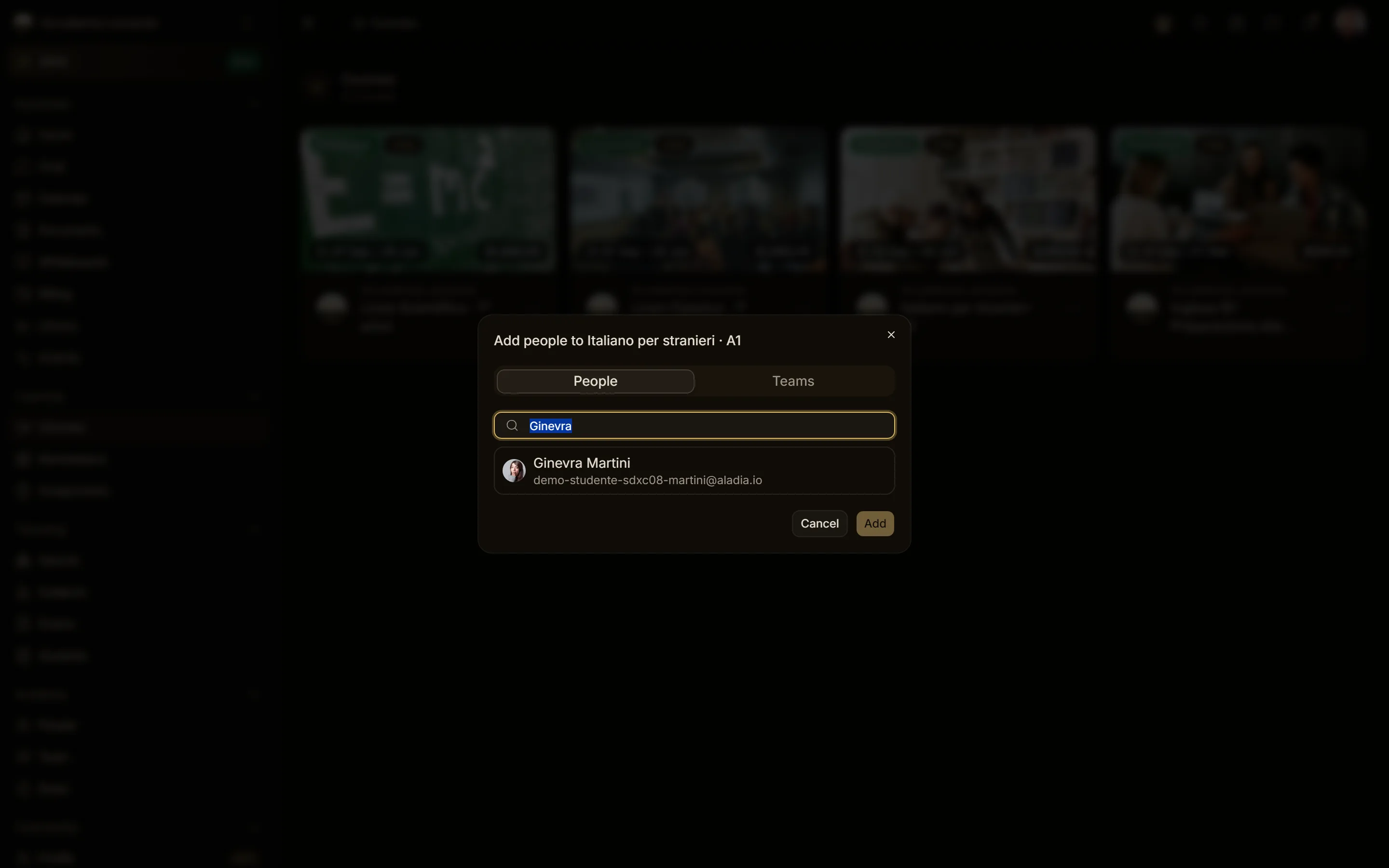
The dialog has two tabs:
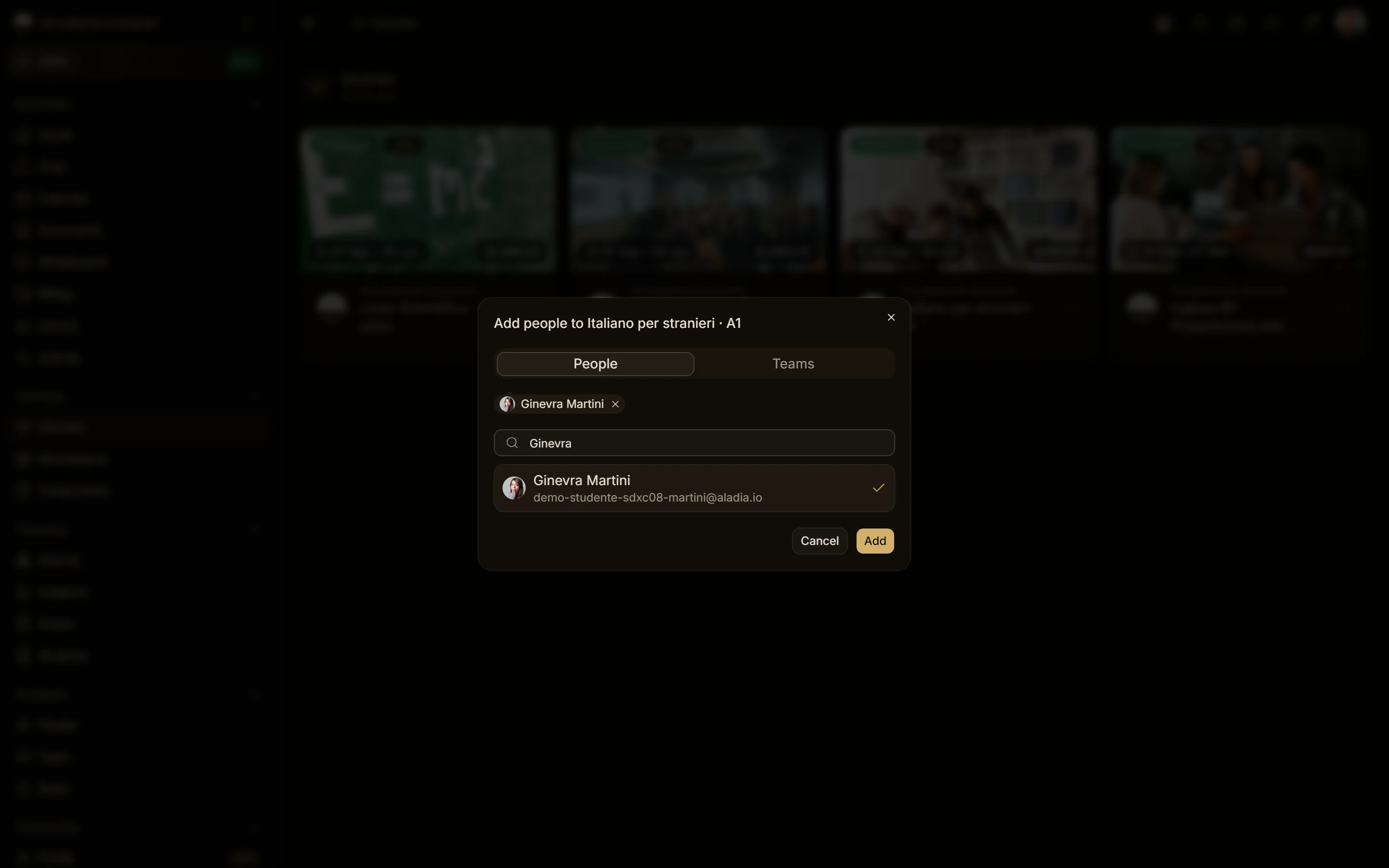
- People: search by name or email among everyone in the academy, staff and Students alike. Since 28/09/2026 whoever follows a course of the academy is a Student of the academy, so a student of one course can be added to another in a few clicks.
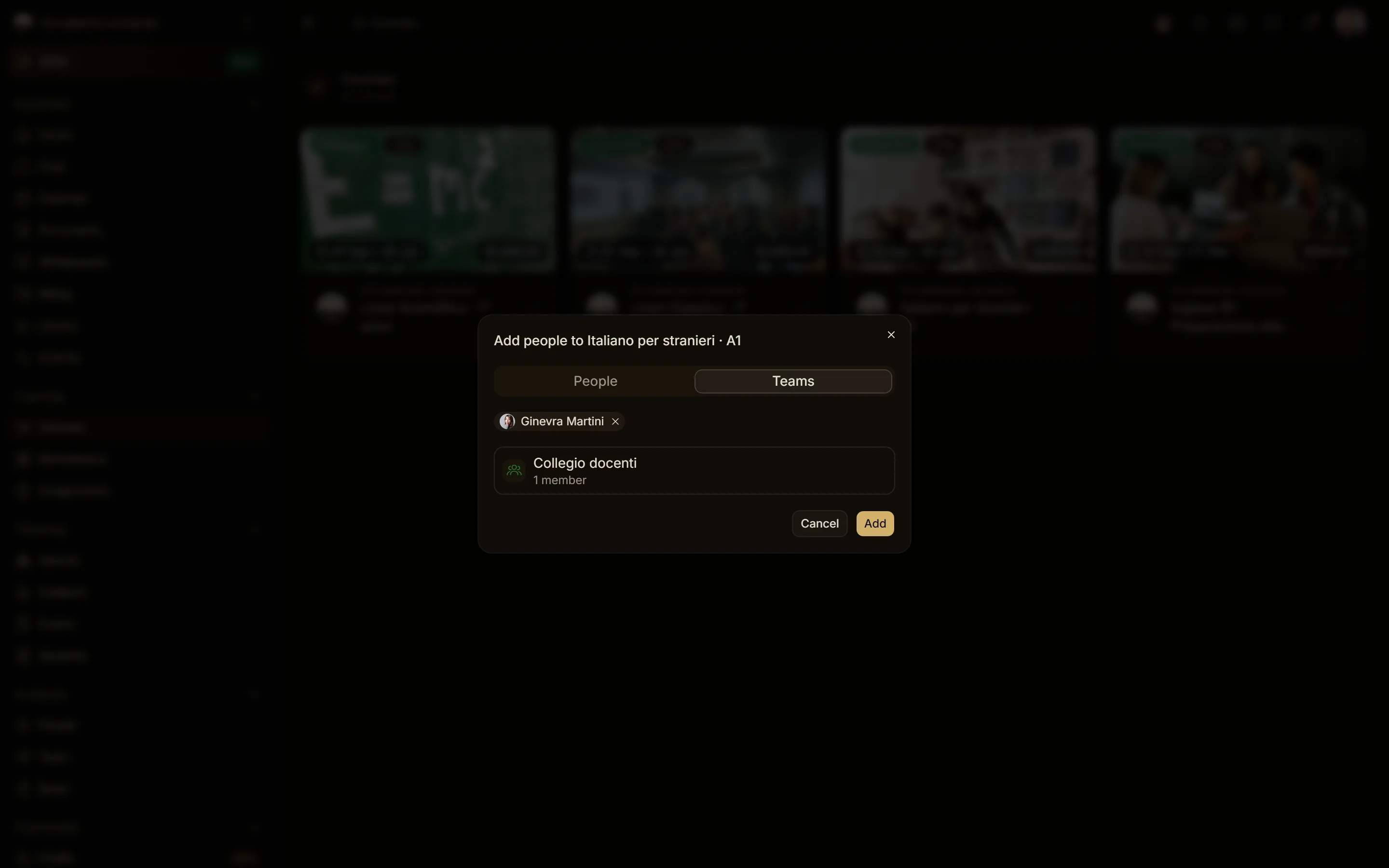
- Teams: pick a whole team of the academy; everyone in it joins the course. A team with no members cannot be picked.
People and a team can be combined in the same request. Whoever is already in the course is skipped: the confirmation counts only the people who actually joined (1 person added., or Already in the course. when nobody was new). For a live course with more than one start date, the dialog also asks which start date the people join.
Only people of the academy can be added: anyone else is refused with Someone selected is not in this academy. A course of another workspace is refused with This course belongs to another workspace.
Who can do it
| Who | Add people |
|---|---|
| Owner, Admin of the academy | on every course of the academy |
| Manager, Teacher, Editor of the course (academy staff) | on the courses where they have that role |
| Manager, Editor of a space | on the courses of their space |
| Students, and teachers of other courses | no: the server answers 403 |
Two permissions are needed: changing the course (from Editor up: Editors, Teachers and Managers of the course or of the space that contains it, and the Owner and Admins of the academy) and reading the people of the academy, which students do not have. To remove someone from the course, use the Members section of the course builder.